Articles
Practical stories from the apps.
Browse useful articles by application: real situations, clear ideas, and simple ways to get more from each tool.
Pay Link Card
Payment details, ready when you need them.
When the Internet Failed Right When a Customer Was Ready to Pay
A practical story about a payment QR code that would not load—and keeping the details ready before a customer is waiting.
Read the article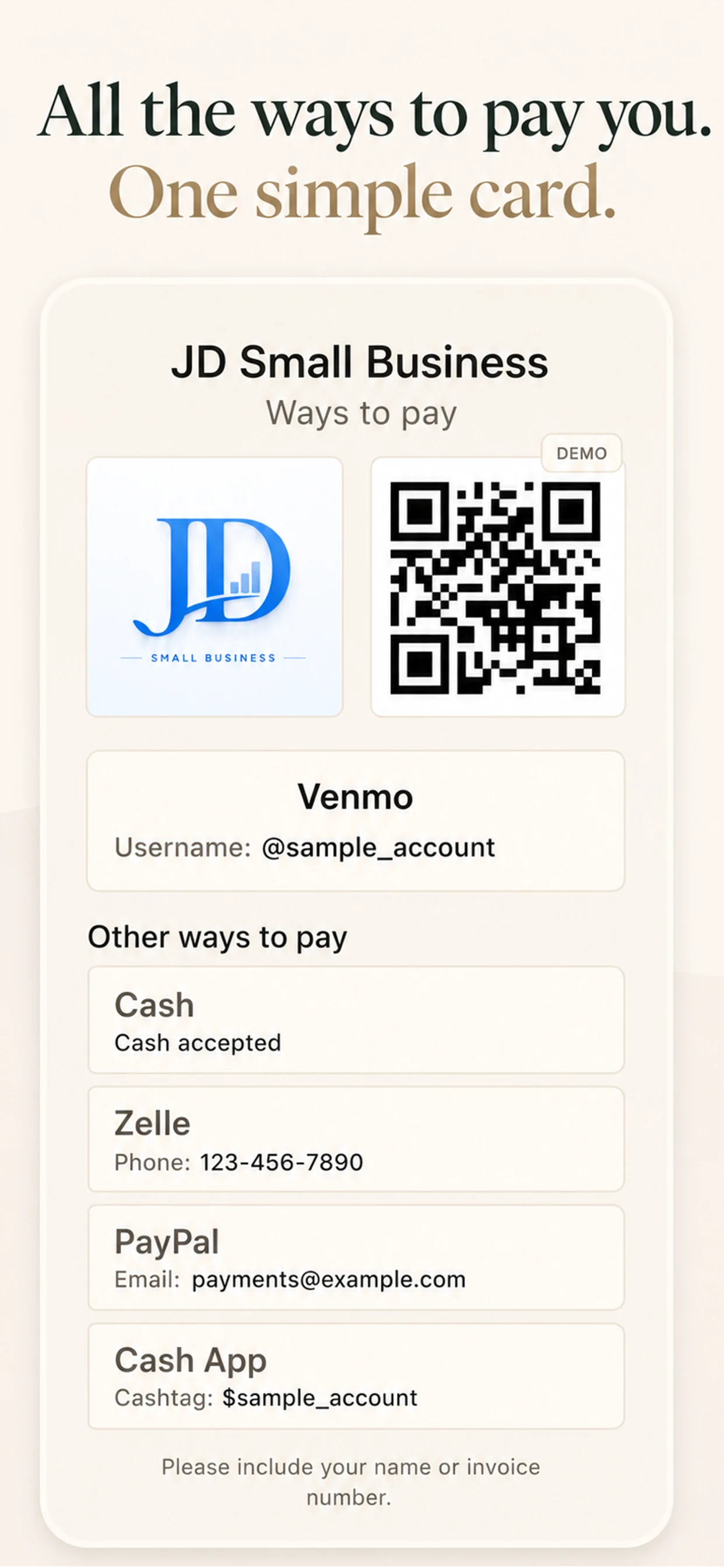
How to Let Customers Choose Between Venmo, Zelle, PayPal, and Check
Put the payment methods you already accept in one clear place, so customers can choose without a long conversation.
Read the article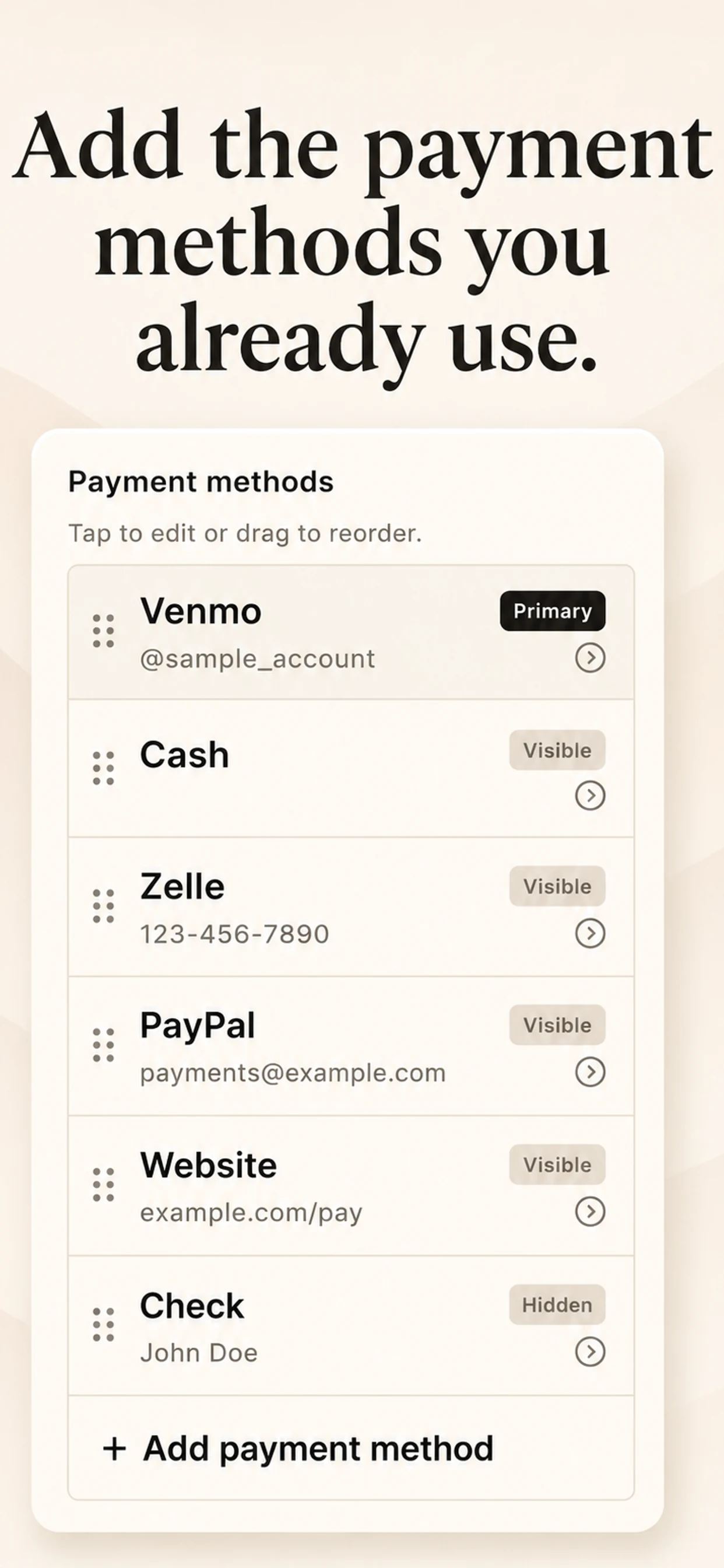
Why Payment QR Codes Don’t Belong in Your Photo Library
Why a saved QR code can still be hard to find when a customer is waiting—and what works better.
Read the article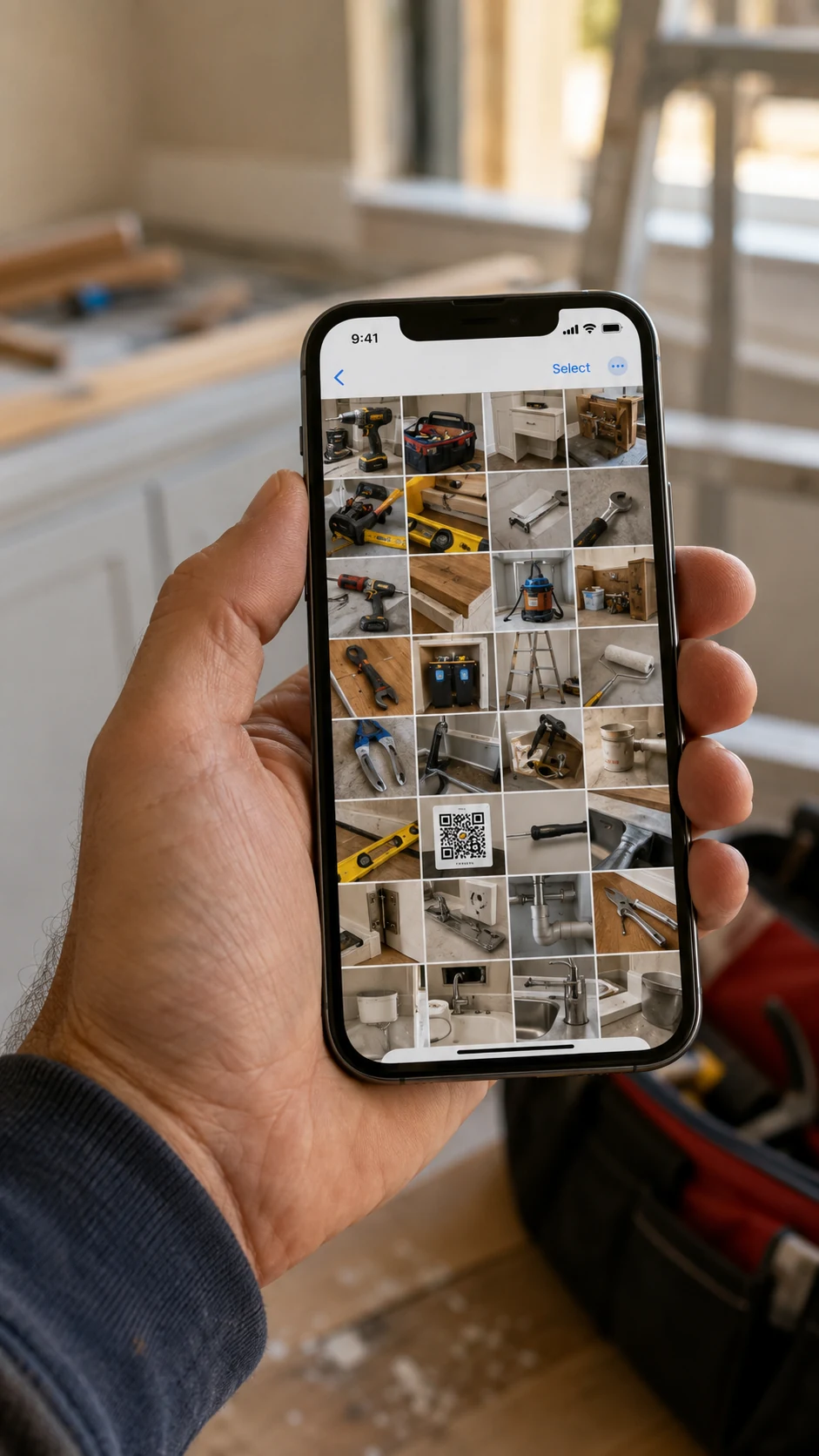
How to Send Payment Details After a Job Without Typing Them Again
Choose between text, an image, or a print-ready card when a customer needs to pay later.
Read the article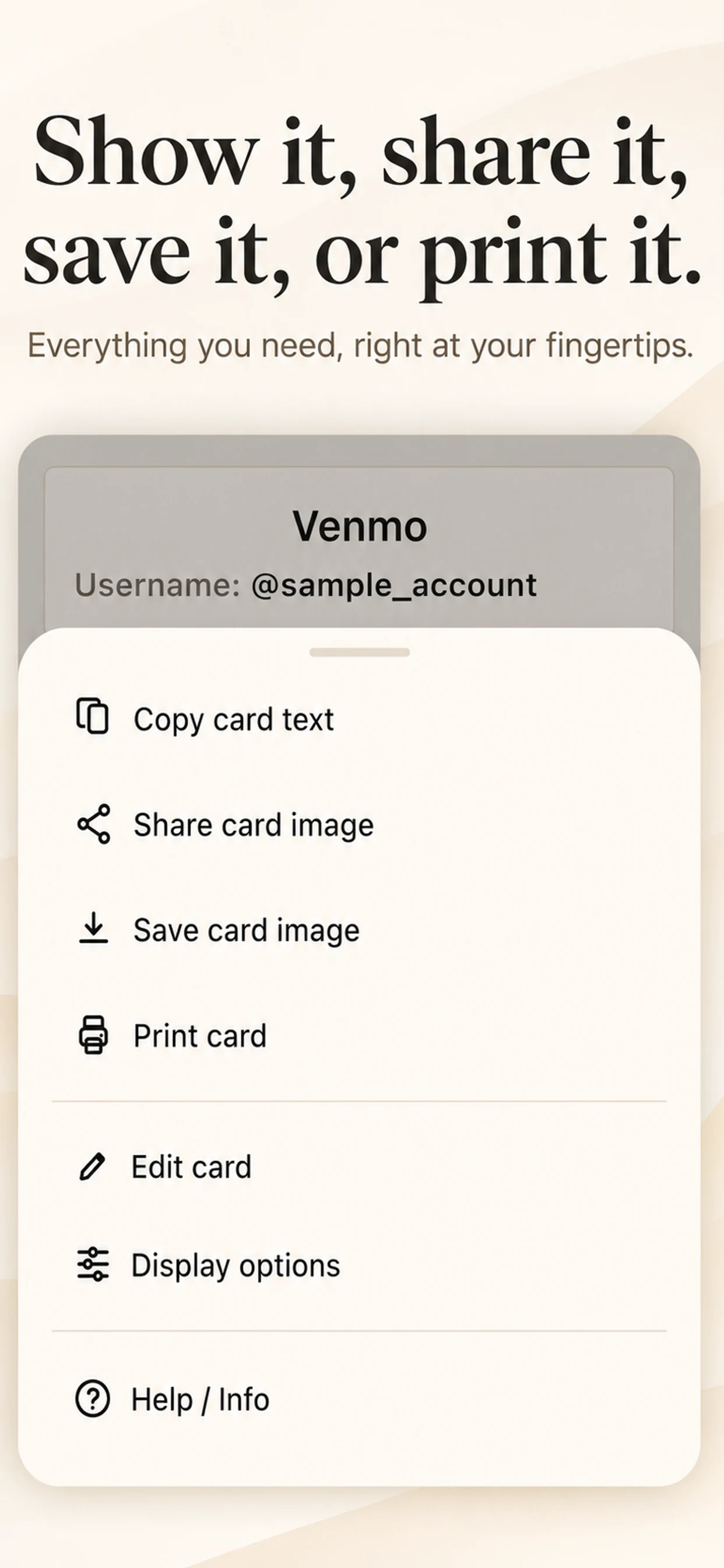
Flashlight Video Camera
Useful camera tips for darker places.
How to Turn On the Flashlight While Recording Video on iPhone
When the video is already running and the useful part is suddenly too dark to see.
Read the article
How to See Into Dark, Hard-to-Reach Places With Your iPhone
Use the phone camera and light to inspect the places your eyes cannot reach.
Read the article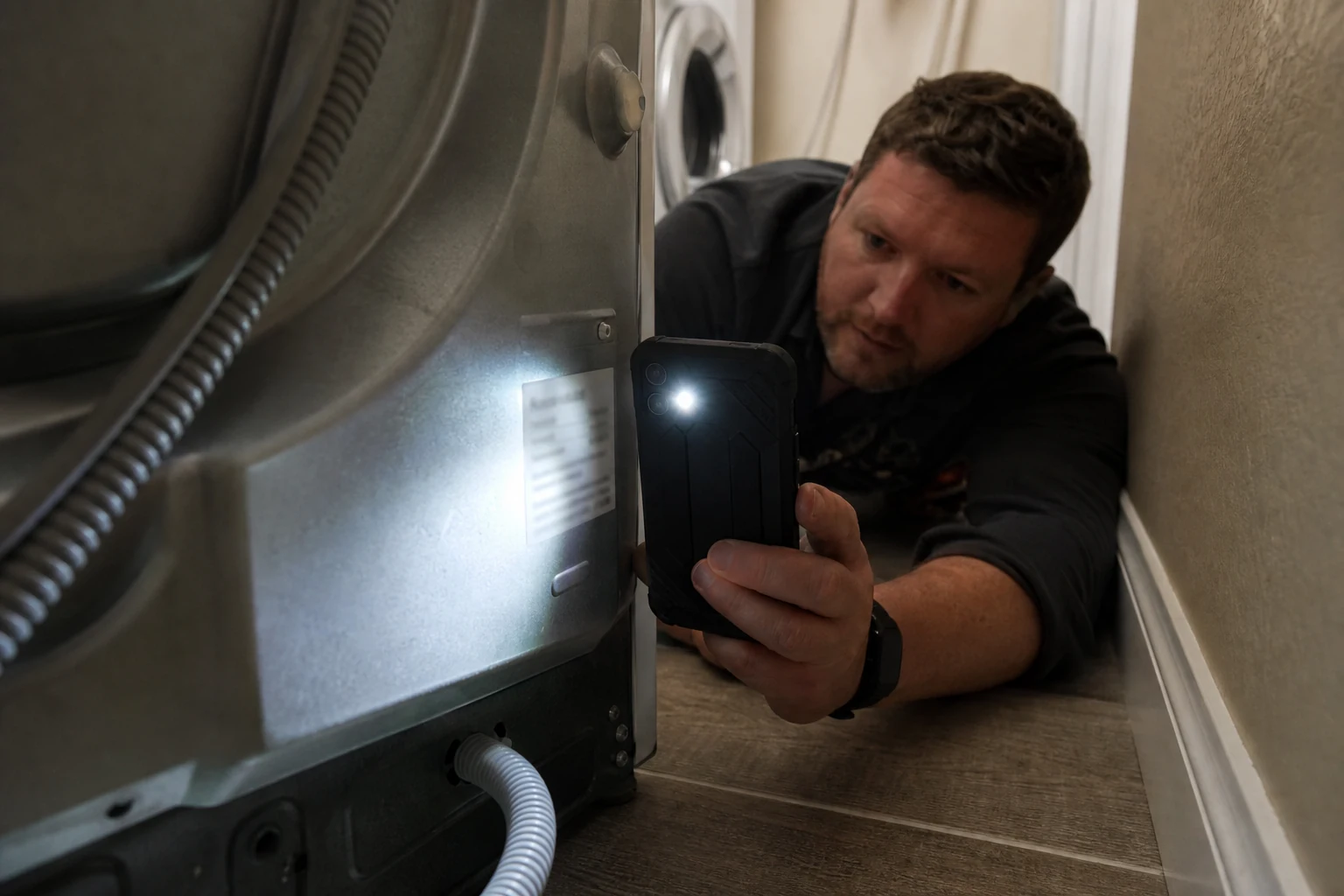
Can You Use the iPhone Camera and Flashlight at the Same Time?
Why putting the light and camera in the same place makes dark, awkward angles easier to inspect.
Read the article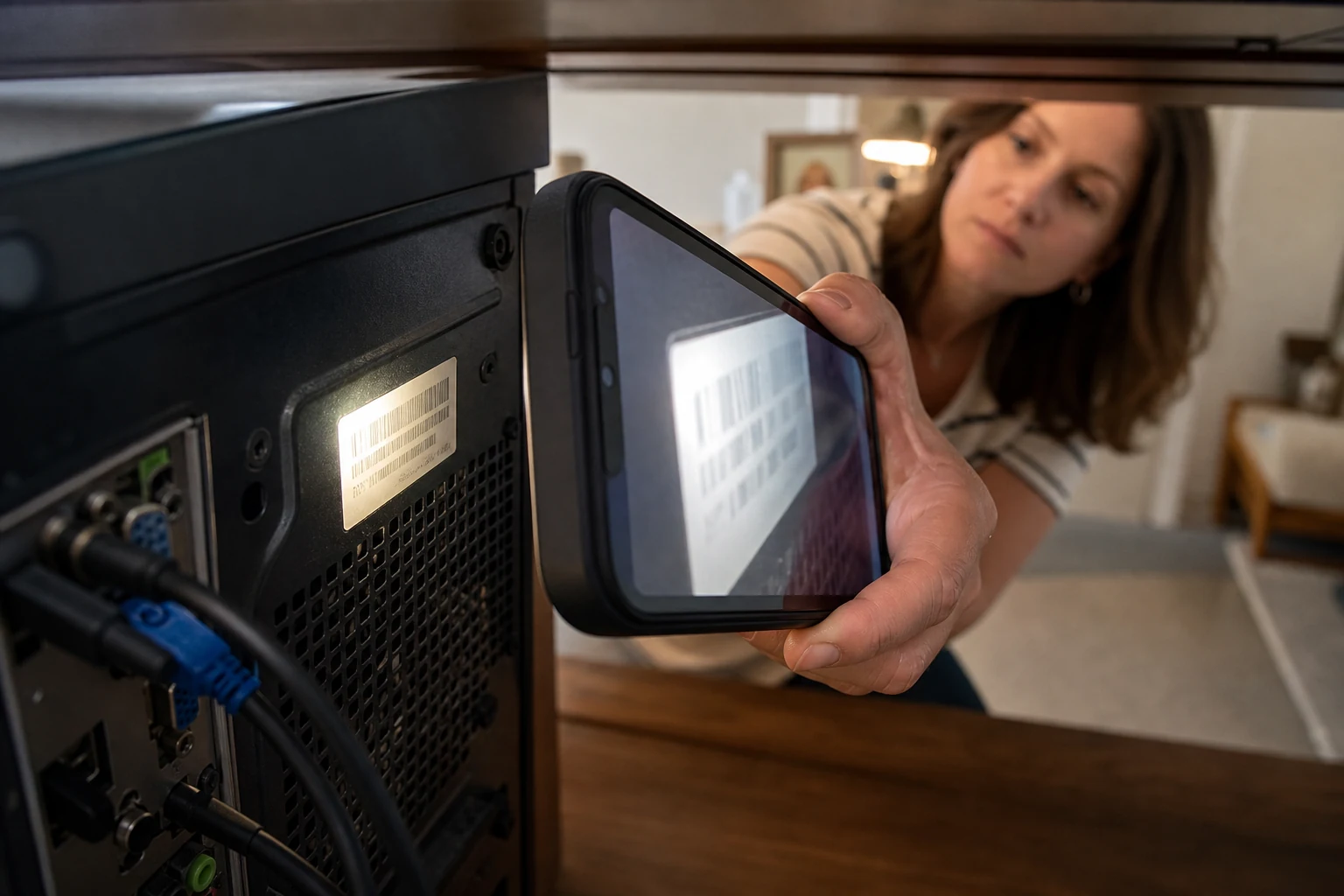
Fitness Karma
Simple ideas for consistent strength training.
Fitness Karma: A Fast Workout Log for Lifters
Fitness Karma is a fast, private workout log for lifters who want to track sets, reps, weight, rest, history, and progress without extra clutter.
Read the article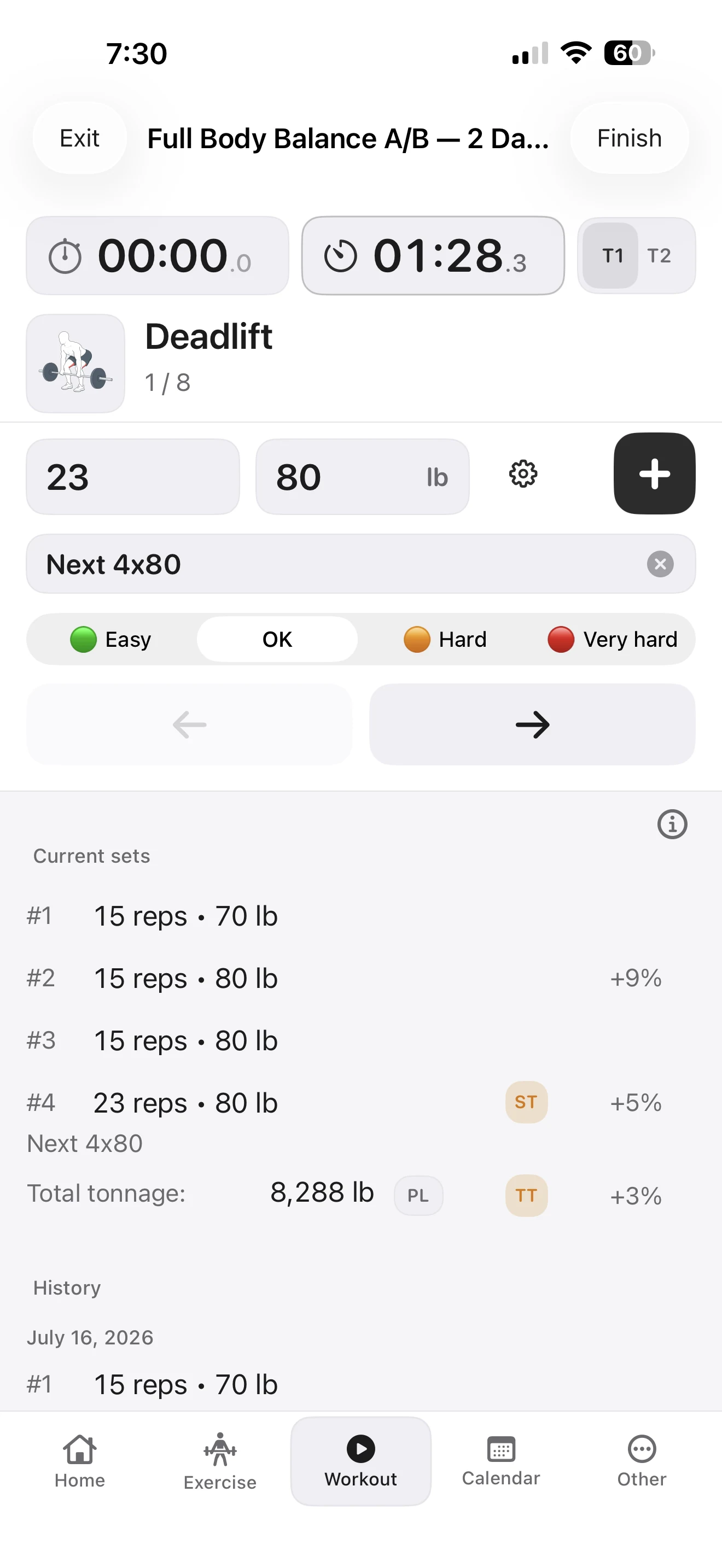
How Load Modes Work in Fitness Karma
Learn when to enter total weight, one dumbbell, or barbell plates in Fitness Karma—and how the app resolves the load for each logged set.
Read the article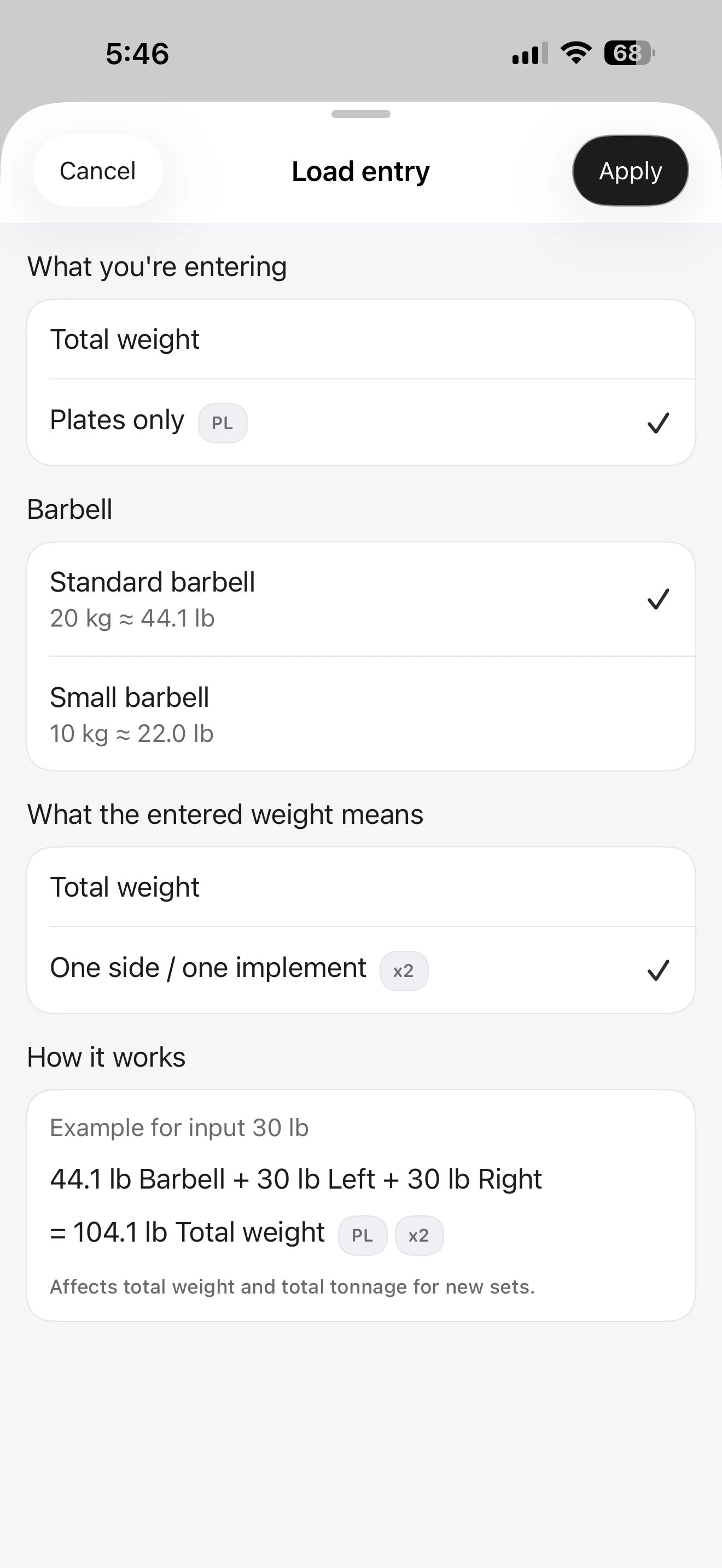
How Fitness Karma Tracks Bodyweight, Assisted, and Partial-Bodyweight Exercises
Learn how Fitness Karma records full, partial, assisted, and weighted bodyweight exercises so pull-ups, dips, and similar work stay useful in your log.
Read the article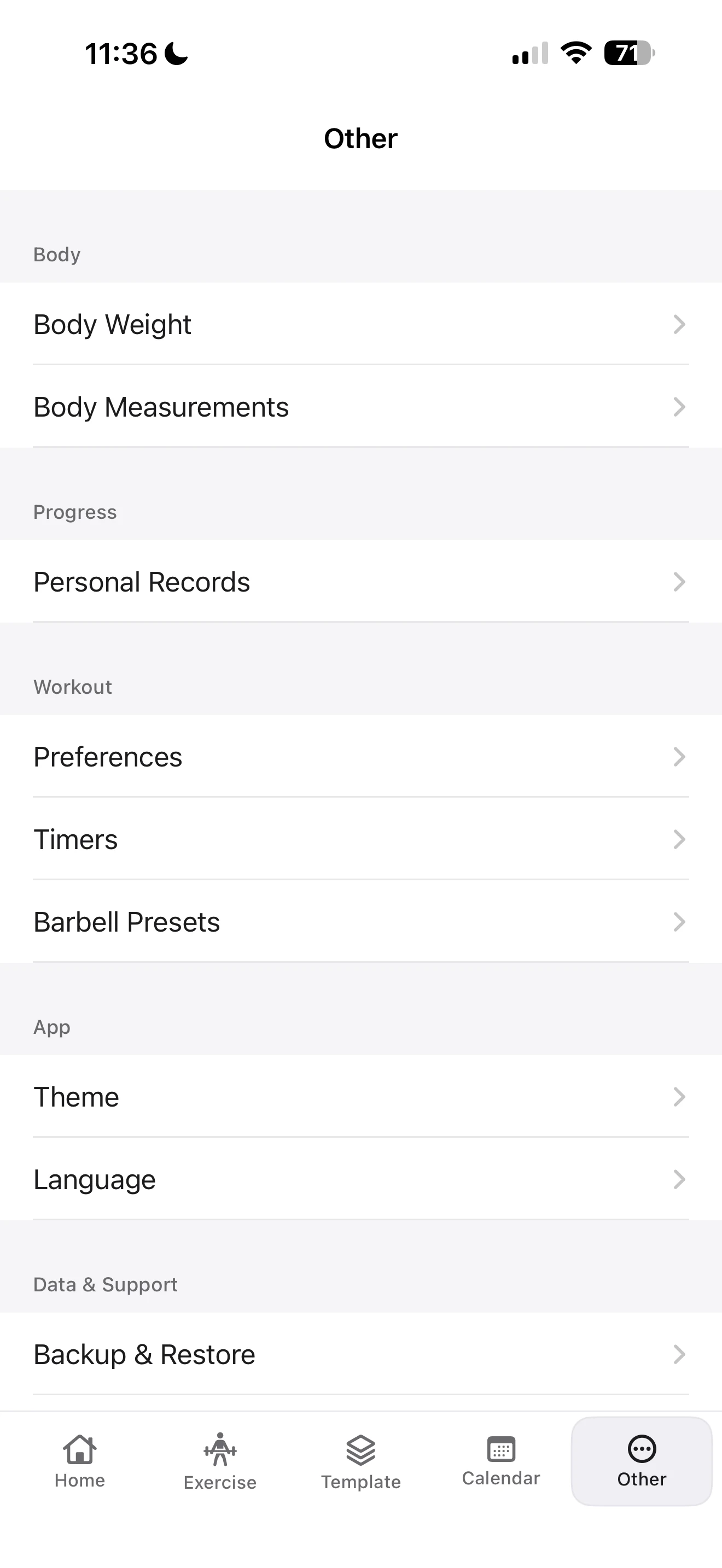
How to Log a Workout in Fitness Karma
Learn how to log sets, reps, and weight in Fitness Karma, reuse prior details, use a rest timer, add notes, and correct mistakes.
Read the article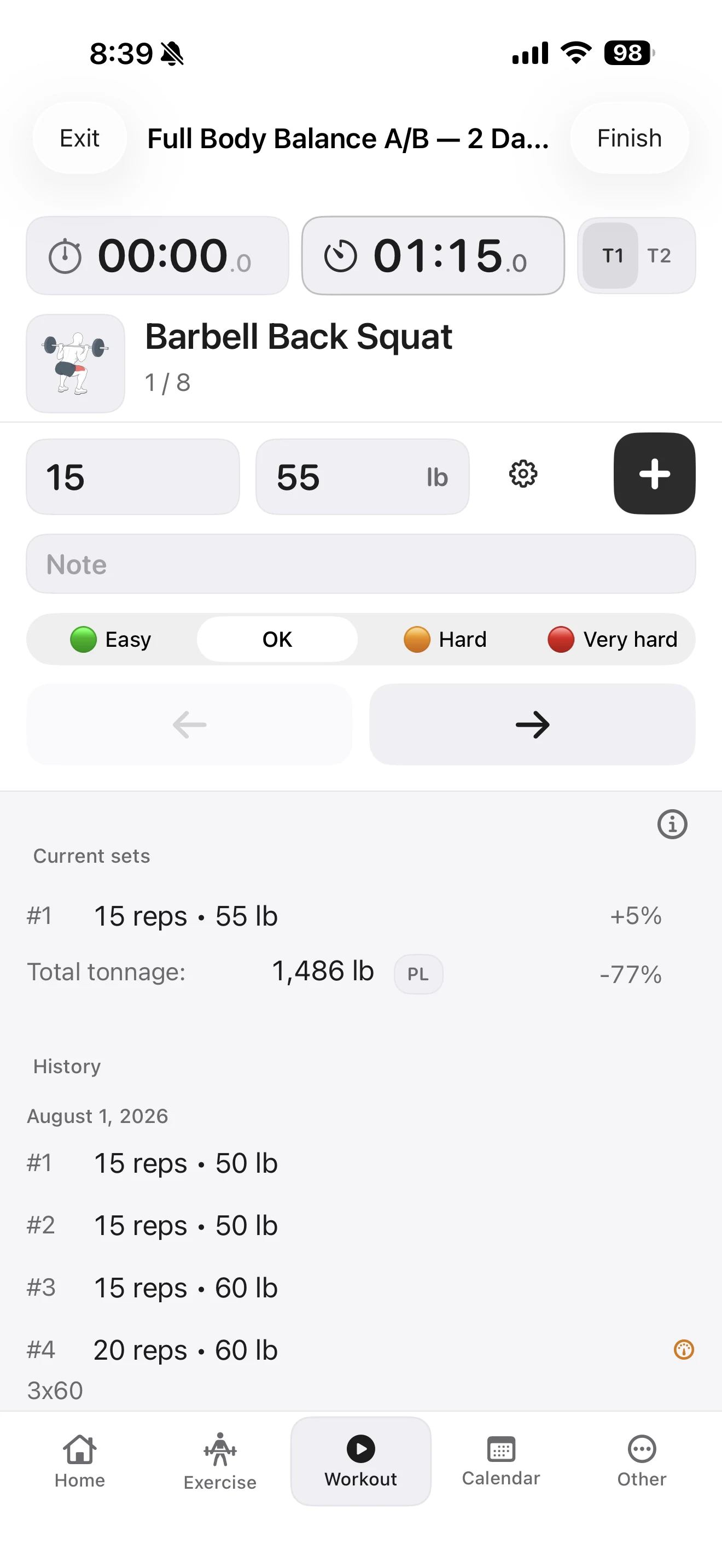
How to Create a Custom Exercise in Fitness Karma
Create a custom exercise in Fitness Karma when a movement is missing from the library: choose metrics, muscles, equipment, bodyweight settings, and notes.
Read the article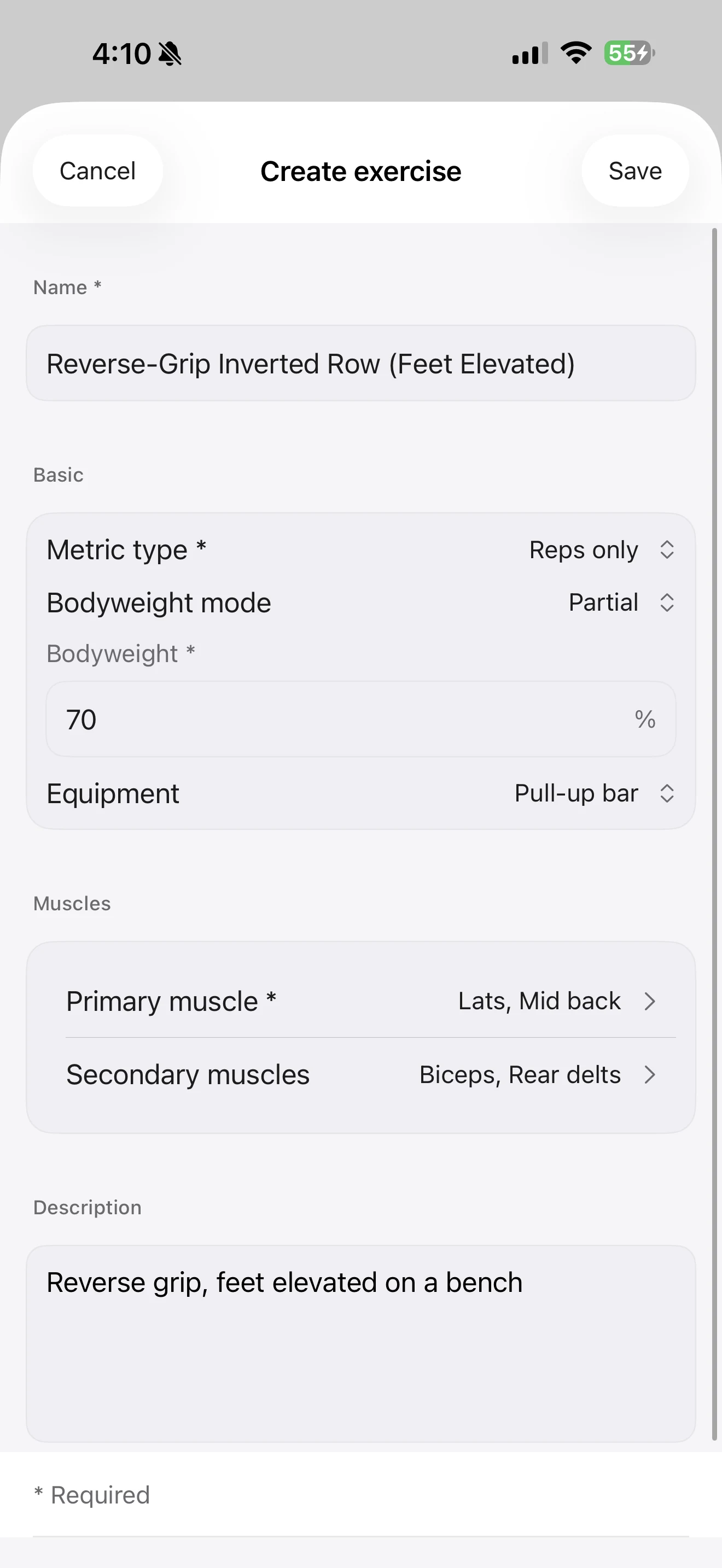
How to Track Progress With Workout History, PRs, and Calendar in Fitness Karma
Track gym progress with workout history, personal records, calendar, and training volume in Fitness Karma without guessing.
Read the article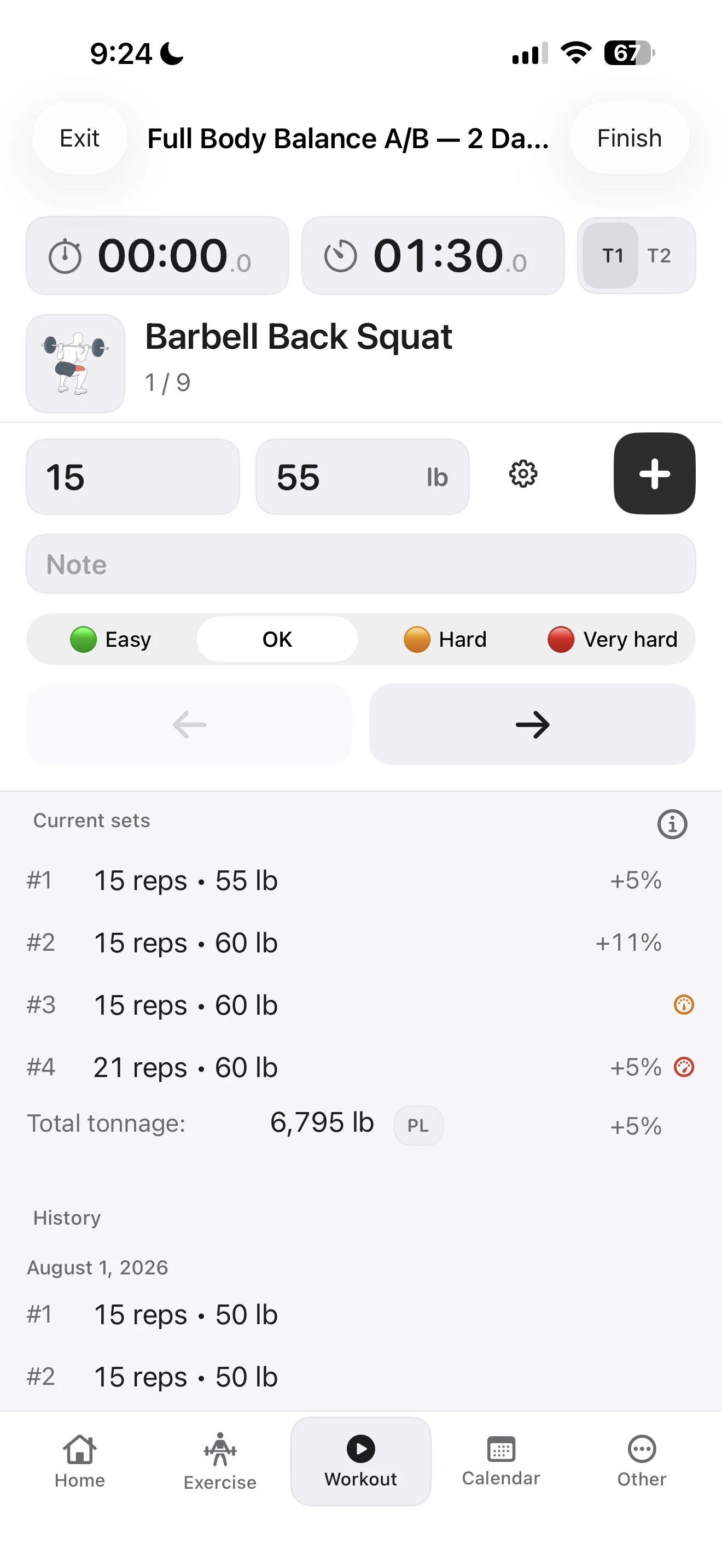
How to Back Up and Restore Workout History in Fitness Karma
Learn how Fitness Karma protects your workout history with local backups, optional iCloud upload, automatic copies, and safety backups before restore.
Read the article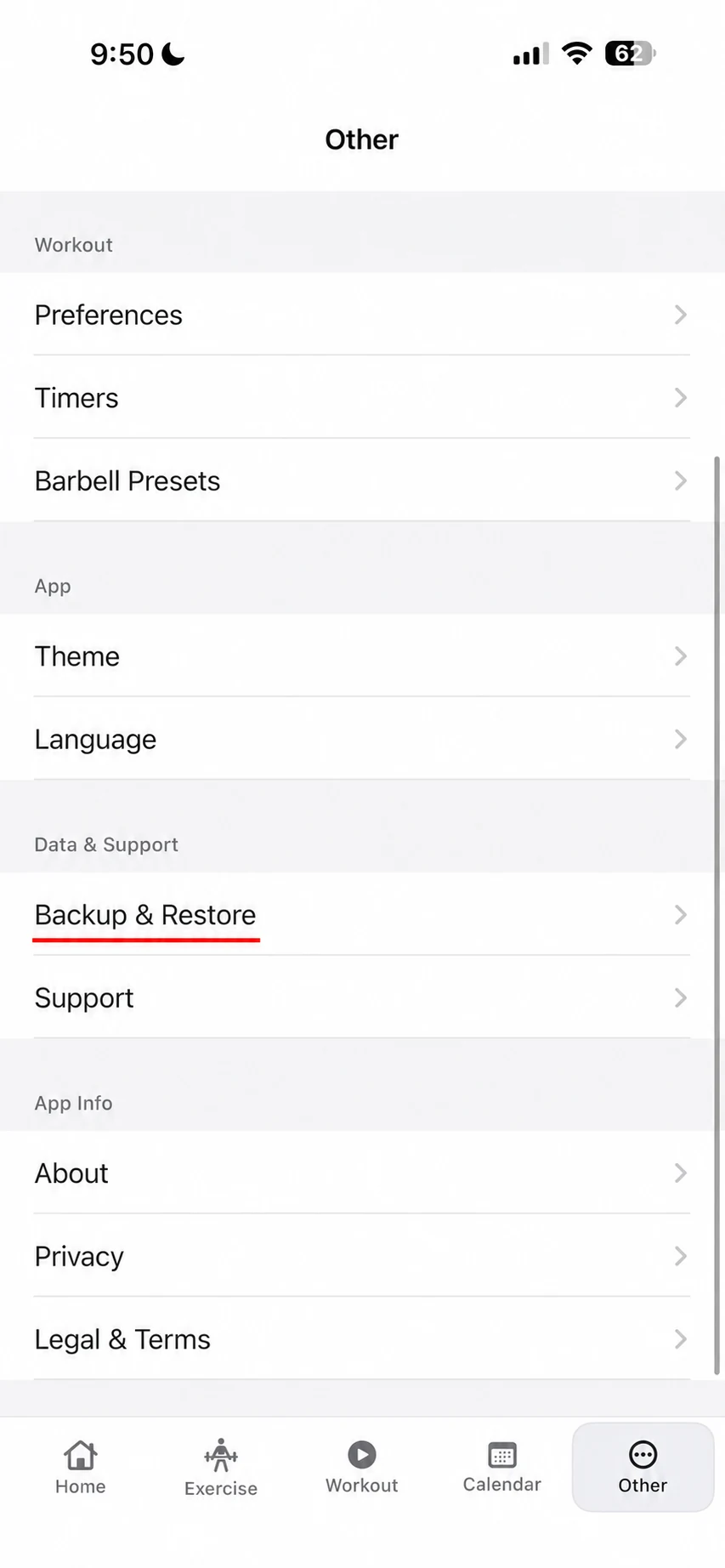
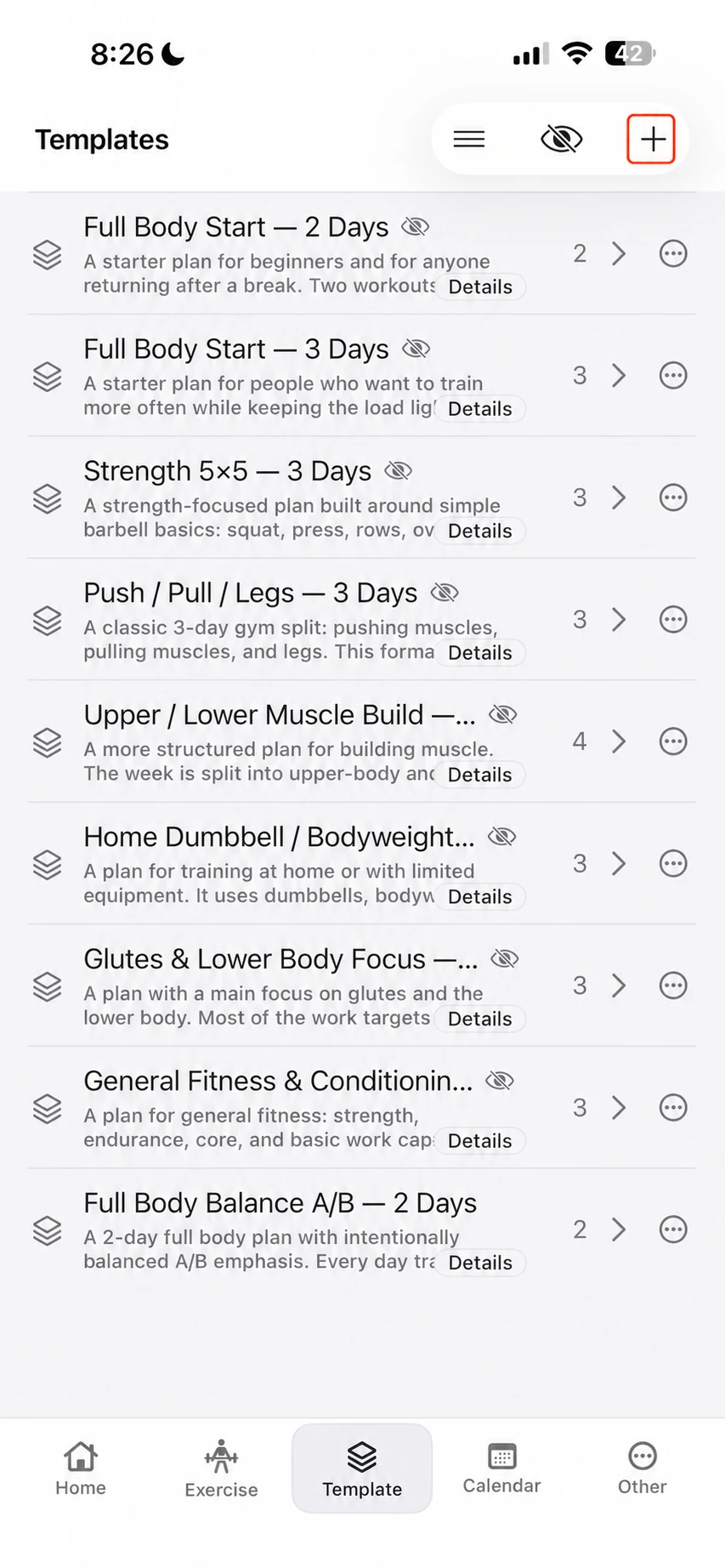
How to Create a Workout Template in Fitness Karma
Create a reusable workout template in Fitness Karma: add days and exercises, set reps, build supersets, then copy or hide ready-made templates.
Read the article