An article from Flashlight Video Camera
How to See Into Dark, Hard-to-Reach Places With Your iPhone
Use your iPhone camera and light to check dark, awkward places—from behind appliances to under sinks—when the phone can physically fit.
I needed a part for a client’s washing machine. The model number and serial number were on a label at the back.
The machine was heavy. I could have moved it, but moving a heavy washing machine alone is not a good idea when there may be an easier way to get the information.
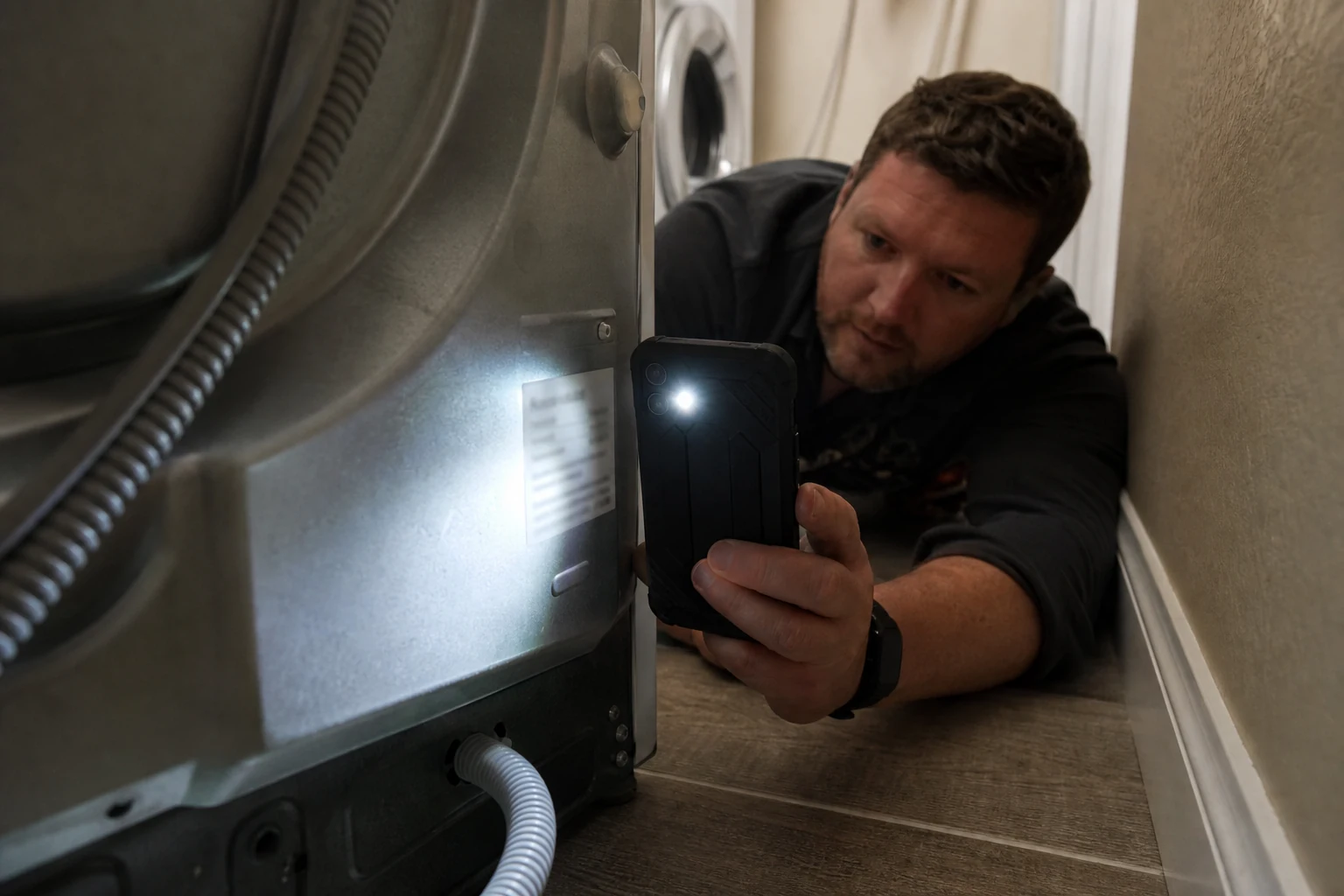
I could see that there was a label back there. So I lay down beside the machine, lowered my phone behind it, turned on the flashlight, and recorded a short video.
The video showed the model and serial number clearly enough to find the right part in Samsung’s catalog. We ordered it without moving the machine first.
That is one of my favorite uses for a phone camera. Sometimes you do not need a nice video. You need to put the phone where your head cannot fit, turn on the light, and find out what is there.
The phone can go where your eyes cannot
Your eyes are better than a phone camera in almost every normal situation. But your eyes cannot look behind a refrigerator without moving it. They cannot see below a sink while you are standing up. They cannot look behind a cabinet, under a desk, or into a dark gap next to a pipe.
An iPhone can often get close enough.
The useful part is not just the camera. It is the camera and light looking at the same place from the same angle. You can put the phone into a dark space, move it slowly, and see what is there on the screen. If you need to check it again later, you have a video instead of trying to remember what you saw for two seconds.
Where this is useful in normal life
This does not need to be a big repair project. It is useful any time you can reach the place with your phone but cannot reach it with your eyes.
For example:
- reading a model or serial number behind an appliance;
- checking a pipe or fitting under a sink;
- looking behind a drawer or cabinet before taking it apart;
- checking cables, ports, or labels behind a desk or TV;
- looking around a dark storage room, basement, or utility area;
- finding out whether a small part, nut, or connection is still where it should be.
The point is not that an iPhone replaces every tool. The point is that it is already in your pocket when you need a quick look.
Why a short video can be better than one photo
A photo is useful when you already know exactly what you are trying to capture.
But in a tight or dark place, you often do not know that yet. You are moving the phone around, checking one angle, then another. A short video lets you do that naturally.
Later, you can stop on the frame that shows the label, pipe, or cable you needed to see. You can compare what you found with a part catalog. You can send the video to a client or another person before deciding what to move, open, order, or fix.
That was the useful part of the washing-machine video. I did not need to guess at the number on the label. I could look at it again after the phone was out from behind the machine.
When your iPhone is enough—and when it is not
There is a simple limit to this idea: the phone has to fit.
For a gap behind an appliance, under a sink, or beside accessible pipes, an iPhone may be all you need. But if you need to go deep inside a wall, far down a pipe, or into a small engine cavity, you probably need a real inspection camera on a cable.
That is fine. Different tools are for different jobs.
Flashlight Video Camera is for the simple version of this job: the place is close enough for your phone, but too dark or awkward for you to see clearly.
A camera made for the moment you need to see
I made Flashlight Video Camera because I did not want to search through camera controls while I was already trying to look at something.
The flashlight button stays visible next to the recording control, so you can add light when the phone reaches the darker part of the space. I explain that part of the app in more detail here.
Keep what you found
After you pull the phone back out, the useful part is often just beginning. You may need to look at the video again, pause on a label, or show someone exactly what was behind the machine or under the sink.
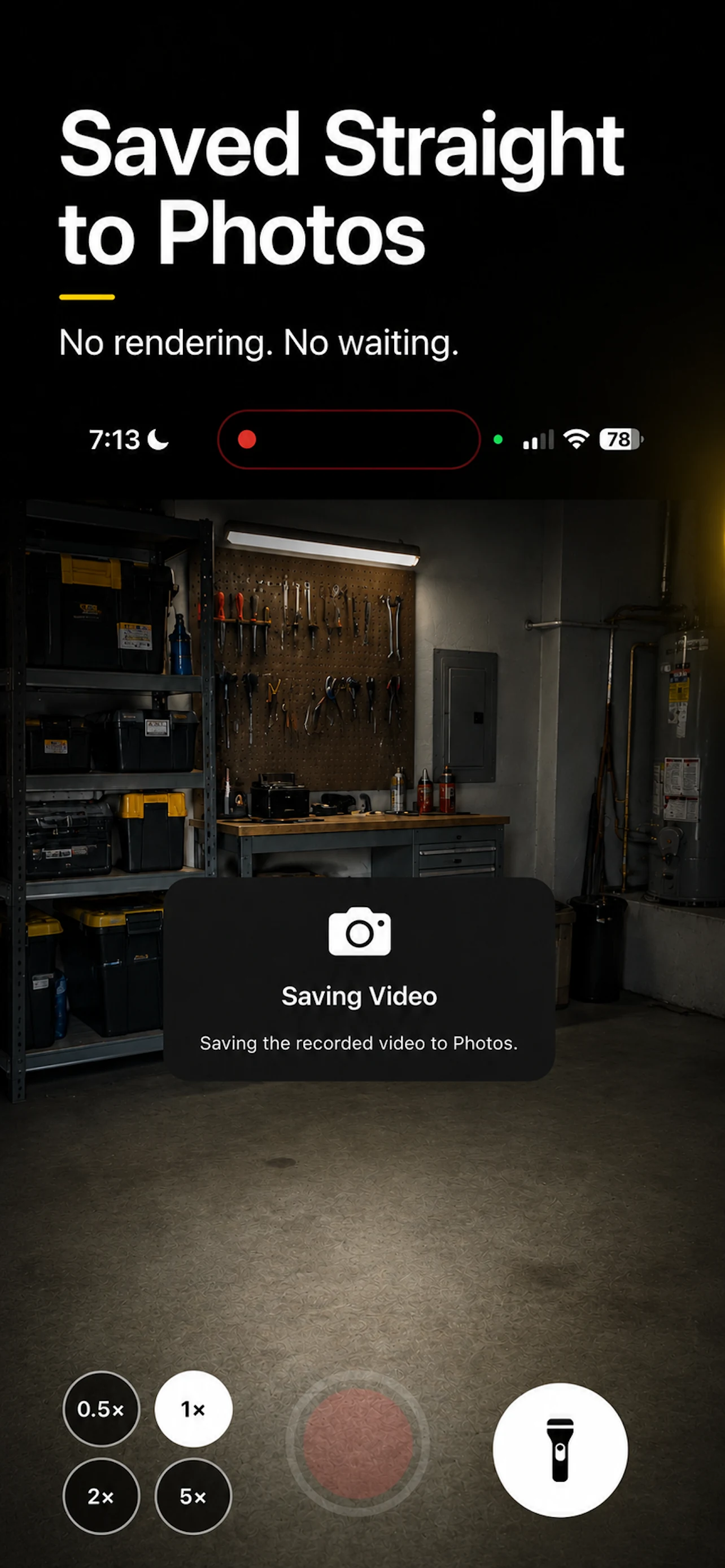
Videos recorded in Flashlight Video Camera save directly to Photos. That means the recording is ready when you need to check it, share it, or use it for the next step.
You do not need a complicated camera for every dark place. Sometimes you only need light, a clear view, and a short video you can look at again.
Flashlight Video Camera was made for that moment.