
An article from Flashlight Video Camera
How to Turn On the Flashlight While Recording Video on iPhone
Need to turn the flashlight on or off after an iPhone video has already started? Flashlight Video Camera keeps the light one tap away while you record.
You start recording because you need to see something. Then you move your phone a little farther into the dark, and the picture stops being useful.
If the video is already going and the view gets dark, Flashlight Video Camera lets you tap the light without stopping that recording.
Your phone may be under a sink, behind an appliance, or pointed into a dark corner. You do not want to pull it back out and start looking through controls. You just want light.
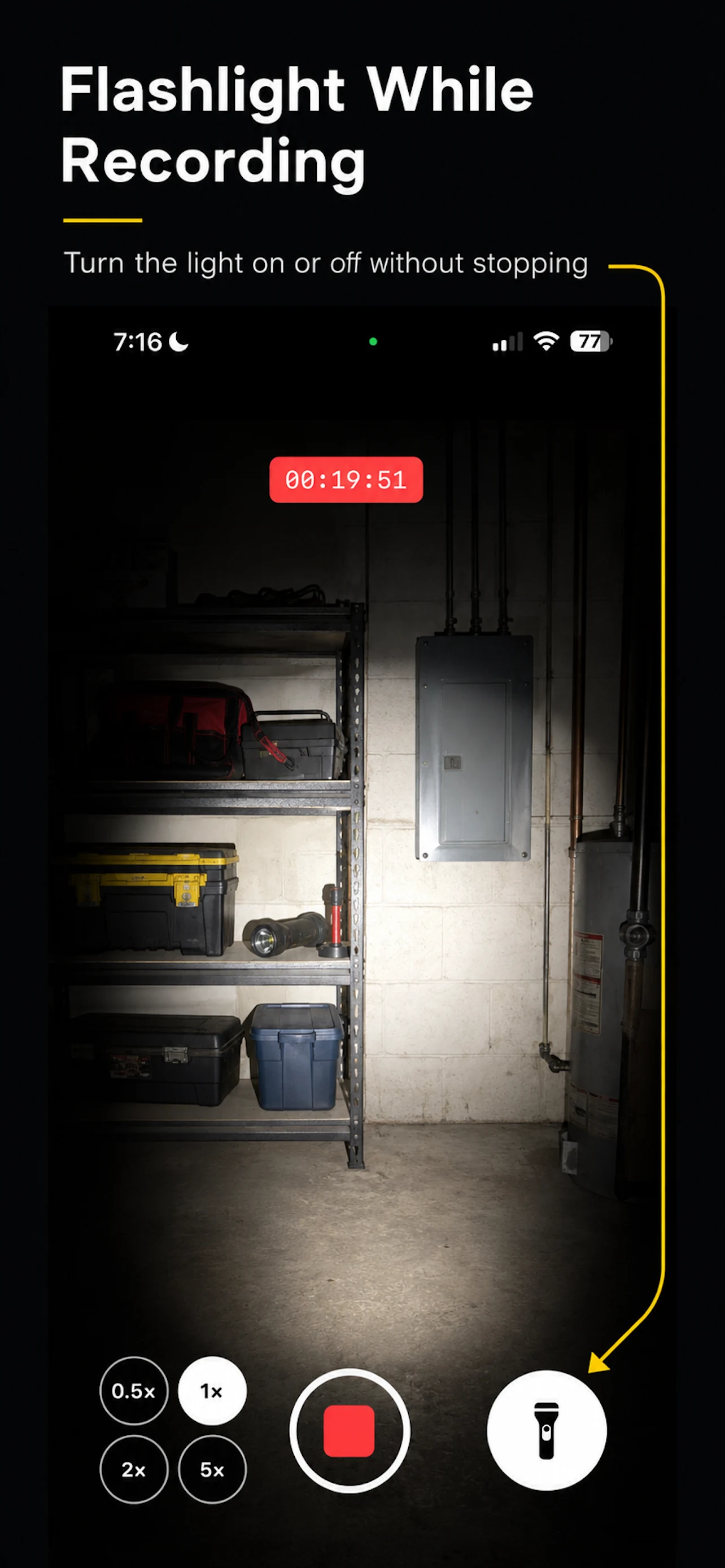
That is why I made Flashlight Video Camera. Start recording. If the view gets dark, tap the large flashlight button beside the recording control. If you no longer need it, tap it again.
The part people actually get stuck on
An iPhone has a light. That is not the problem.
The problem is having the light control where you need it after recording has already started.
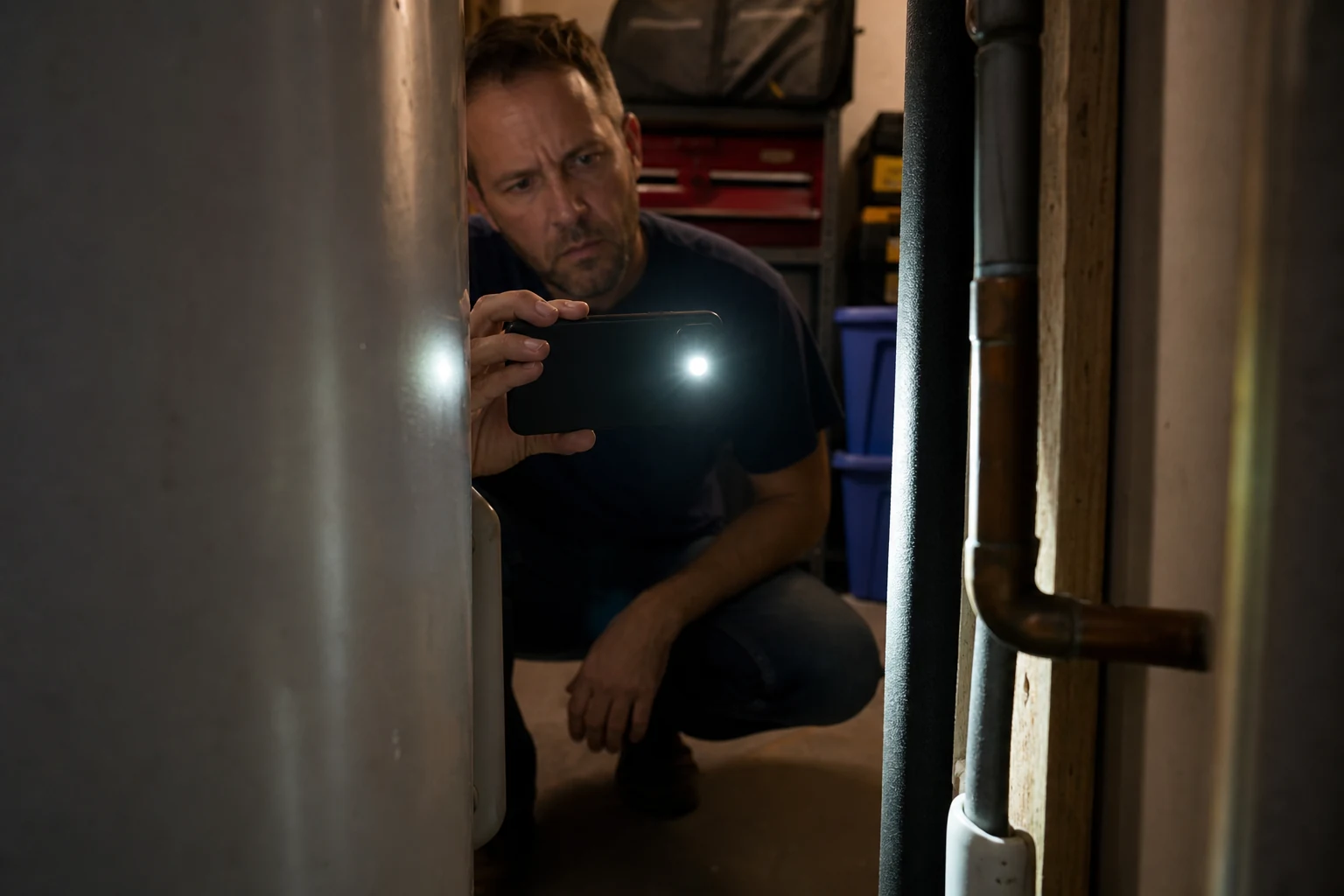
Sometimes you begin in a room with enough light. Then you move the phone behind a washing machine, toward the back of a cabinet, or into a utility room. The scene changes quickly. What looked fine from outside becomes too dark to understand once the phone reaches the place you are trying to inspect.
At that point, the important thing is not another camera setting. It is one clear button that you can reach without breaking the moment.
Why stopping the video is not a small thing
When you are filming a person or a planned scene, stopping and starting again may be annoying. When you are trying to see something in a tight space, it can be worse than that.
You may lose the angle. The phone may have been resting in the only position that showed the pipe, fitting, cable, or label. You may need to use one hand to hold the phone and the other to steady yourself. Or you may need to reach for a second phone or a separate flashlight just to see what your camera is already looking at.
Often, you do not need a beautiful video. You need information.
You may be trying to see whether a fitting is loose. You may be checking what is behind a panel before you drill. You may be trying to read a model number on the back of an appliance. In those moments, a short video with enough light is more useful than a dark video you have to guess at later.
A camera where the light stays under your thumb
Flashlight Video Camera is made for that exact situation. You still use the lenses and focus your iPhone already gives you. The difference is that the flashlight button stays visible while you record.
If the view gets dark, turn the light on. If the light is too much for the next part of the shot, turn it off. Keep recording either way.
Why I made a separate camera app for this
I first thought about this while working at a client’s place. I needed to look through an opening in drywall to understand what was inside. I could fit the phone into the space, but not my head.
I wanted to record what the camera could see and add light when I needed it. I found myself thinking less about video quality and more about a very simple question: where is the flashlight control right now?
I already had a camera app in development with a flashlight feature. At first, it was part of a larger idea for shooting vertical and horizontal video. But that drywall moment made the useful part much clearer.
I did not need more controls. I needed one control to be obvious every time.
That became Flashlight Video Camera: a camera for the moment when you are already recording and the image suddenly becomes too dark to use.
Keep the video, not just the moment
When you are looking into a hard-to-reach place, you may not understand everything the first time you see it. A short video gives you time to look again after you pull the phone out.
You can pause on a label, look at a pipe or cable again, or show the video to someone helping with a repair. Then you can decide what to do next.
If you are looking for a camera app with a flashlight button you can use while recording, Flashlight Video Camera was made for that one simple job.