
An article from Pay Link Card
Why Payment QR Codes Don’t Belong in Your Photo Library
Saving a Venmo or payment QR code in Photos works at first. Here is why it becomes slow, messy, and awkward in front of customers.
Saving a payment QR code in Photos sounds like a good idea.
You open Venmo, save the QR code, and now it is on your phone. The next time a customer wants to pay, you can show it to them.
That works for a while.
Then your photo library fills up.
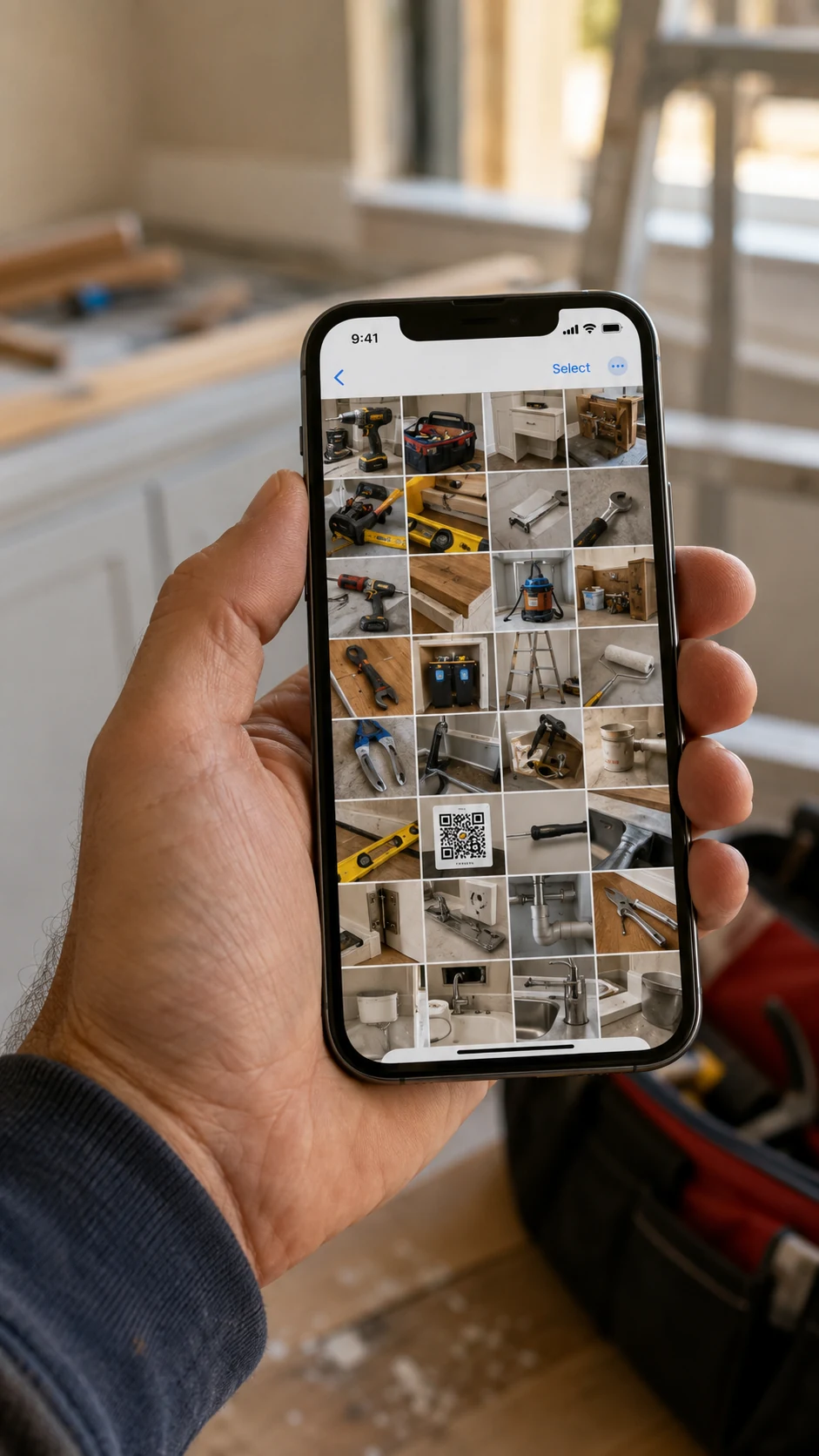
If you run a small service business, your phone may already be full of job photos, short videos, receipts, screenshots, tools, supplies, and before-and-after pictures. After a few weeks, the payment QR code is somewhere in the middle of everything else.
Now a customer is ready to pay. You open Photos and start looking.
That is not a good way to end a visit.
The QR code is not the problem
A Venmo QR code can be very useful. It helps a customer pay without typing your username. Payment QR codes are fast when they are ready to scan.
The problem is using a photo library as your payment tool.
Photos is made for pictures and memories. It is not made for information you need to find in ten seconds while a customer is standing in front of you.
You may save the QR code in Favorites. That can help. But Favorites can also become full of other images. You still have to open Photos, open Favorites, and search for the right image.
You may also scroll past private pictures or work photos that you do not want another person to see. Even if there is nothing secret, it is simply not a professional feeling to search through your camera roll while someone waits.
A payment QR code should have its own place
Your payment details are not just another photo. They are part of how you finish a job or sale.
It is better to keep them in one place that opens directly to the information your customer needs.
That may be one QR code and a short note. It may be a few payment details. The important part is that you can open it directly, without searching through pictures. If you offer several ways to pay, that is a separate choice worth making clearly.
It is also about privacy
When you hand your phone to someone or hold it where they can see the screen, you do not always know what will appear next.
Maybe your last photos are work pictures. Maybe they are family pictures. Maybe there is a screenshot, a note, or a video that is not for a customer to see.
You should not have to think about that when all you want to do is show someone how to pay you.
Keeping payment information separate from your photo library gives you a cleaner screen and a little more privacy. You open the card, show it, and you are done.
I wanted one screen that was ready
I made Pay Link Card because I was tired of depending on payment apps and my photo library at the wrong moment.
When a customer asks how to pay, I open the card. I do not need to search through Photos, and I do not need to open Venmo and wait for it to load.
Pay Link Card does not process money. It just keeps the payment details I already use organized and ready.
A small change that feels more professional
Many small business improvements are simple. A clean uniform. Organized tools. A good message after a job. Being ready with payment details belongs on that list too.
It may only save a few seconds. But those seconds matter when someone is waiting.
Your customer does not need to watch you search through your photos. They only need a clear way to pay you.