Pay Link Card
Free on the App Store
Every way to pay, in one clear card.
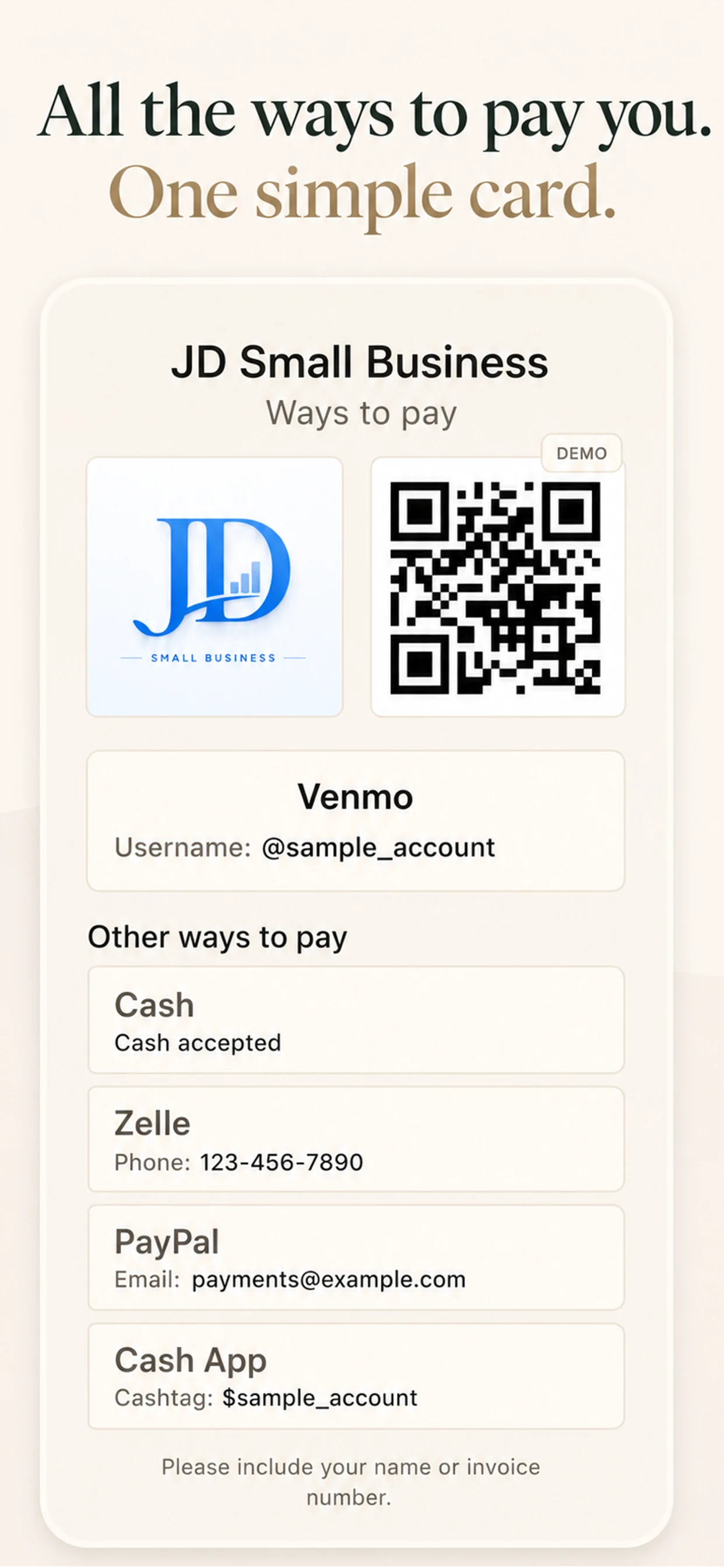
Put the payment details you already use in one easy-to-read card — ready when a client, customer, friend, or family member asks how to pay you.
No account. No subscription. No payment processing.
One place, not another message thread
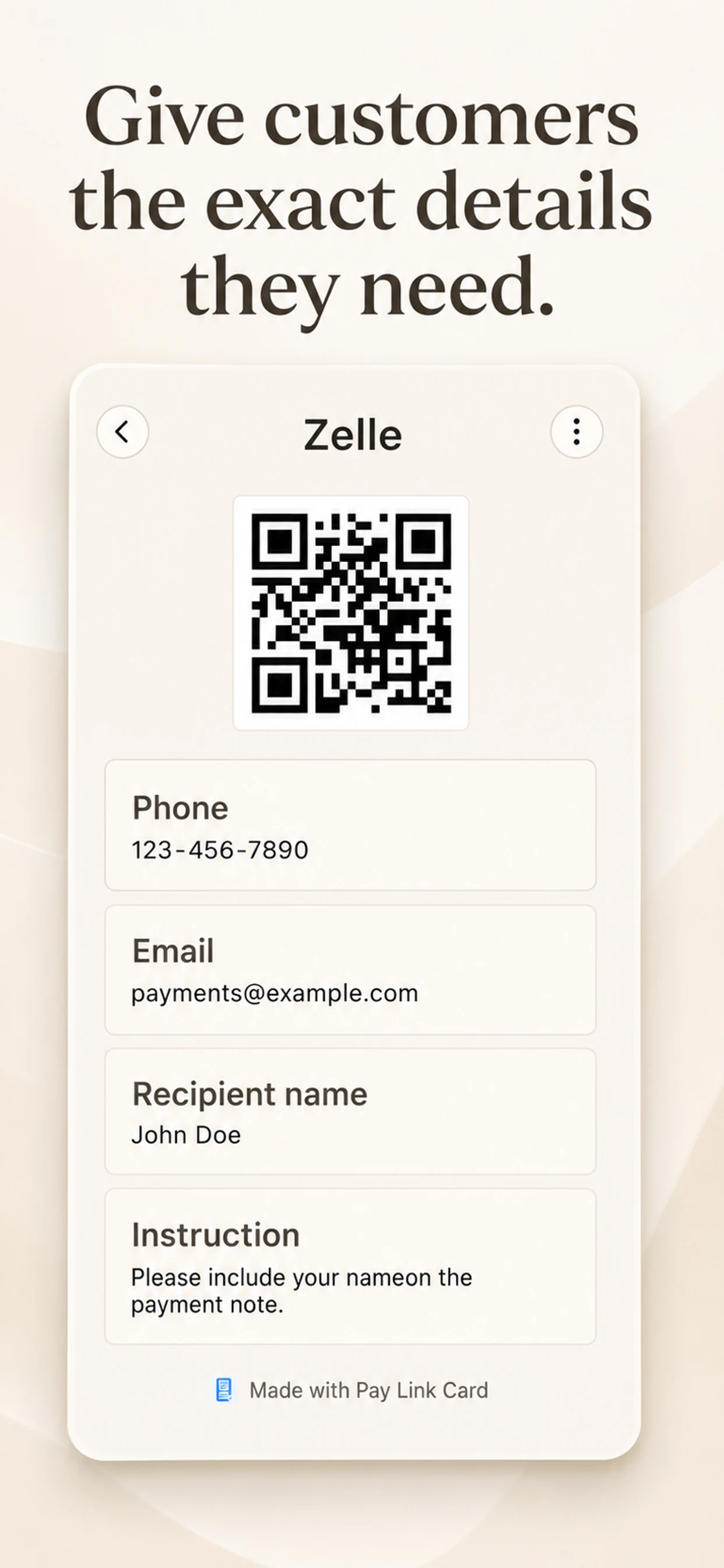
Give people exactly the details they need.
Keep a username, phone number, email, website, instruction, or your own QR code together. Choose which method leads, what stays visible, and what you want to share.
Use the methods you already have.
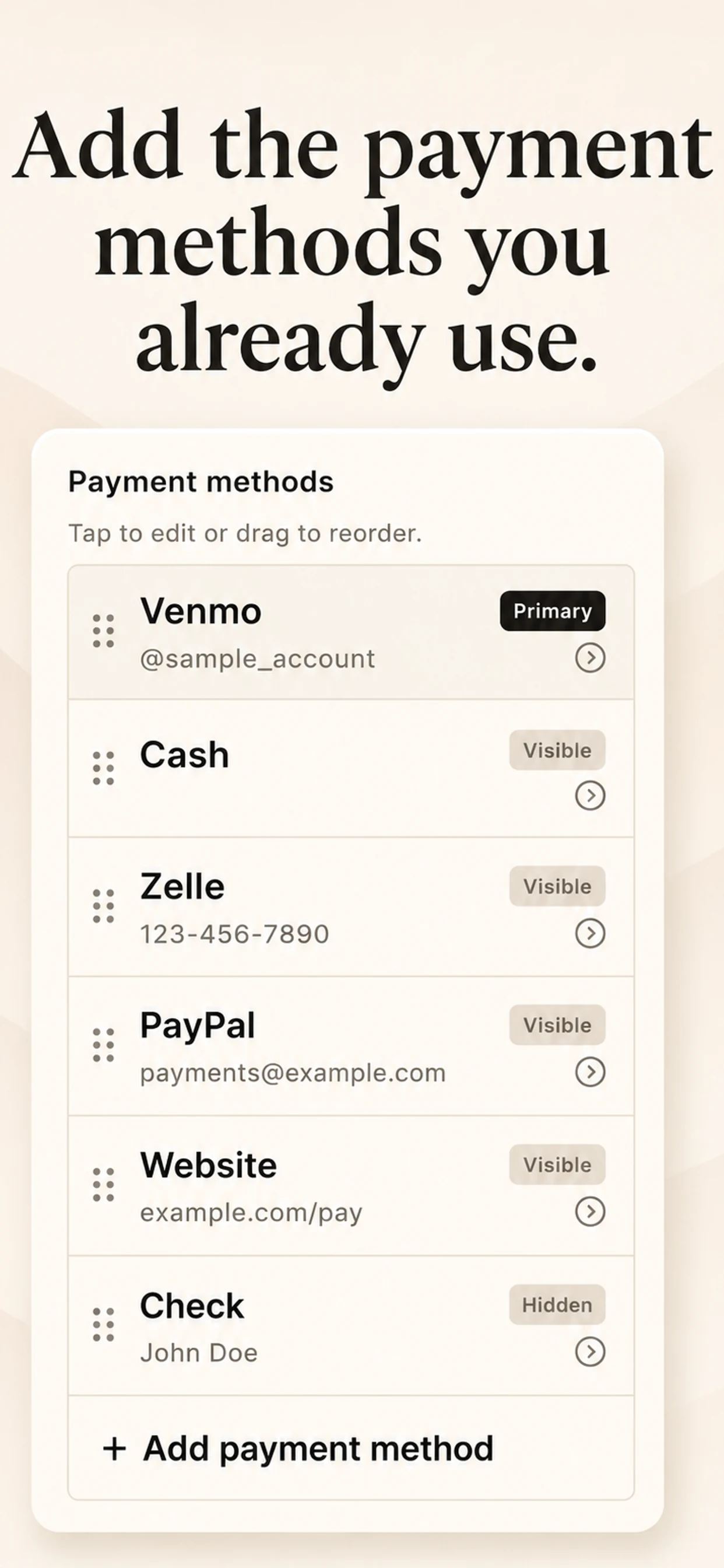
Add Venmo, Zelle, PayPal, Cash App, cash, checks, payment links, booking links, or a custom option. Pay Link Card does not connect to those accounts.
Make a card people can use at a glance.
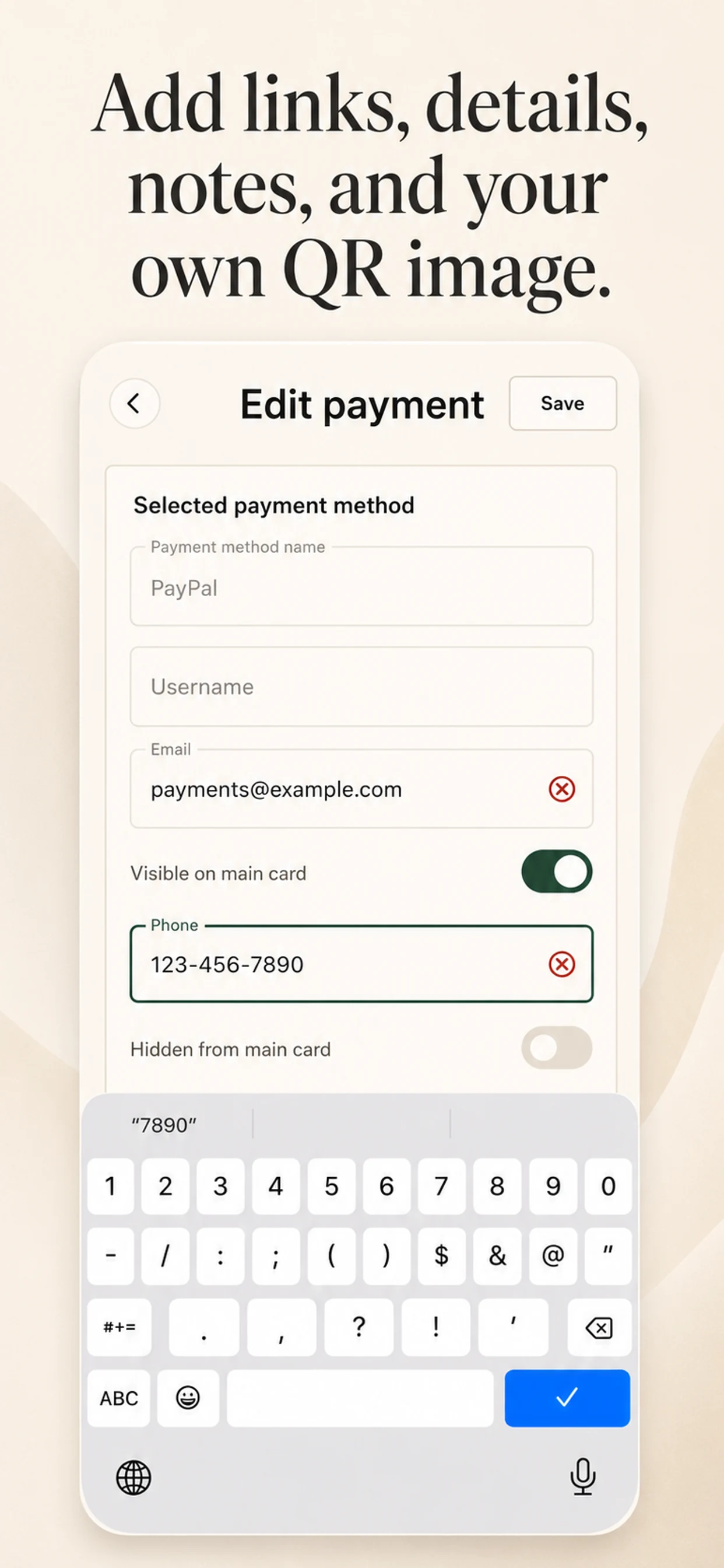
Put the important payment method first, show your QR image, and add the exact note or reference a payer needs.
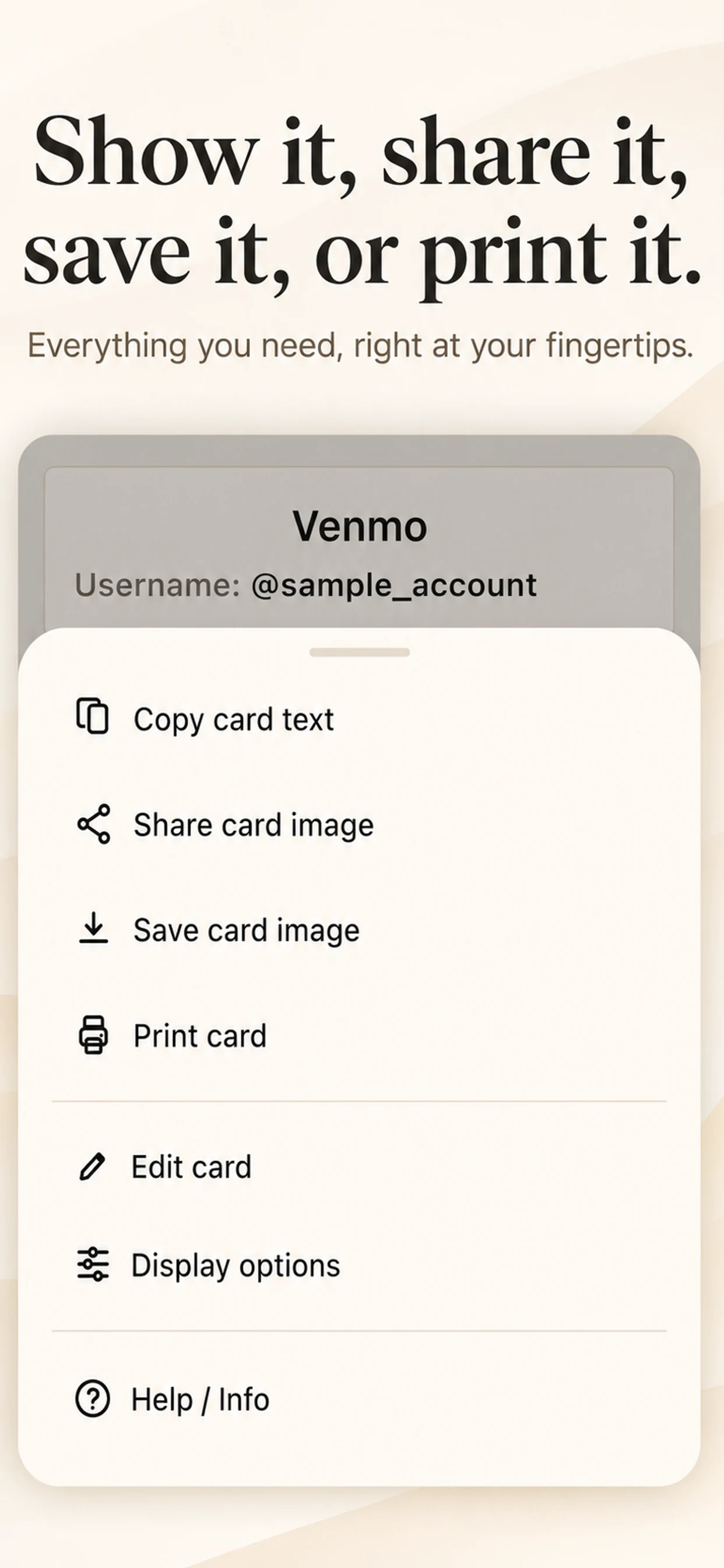
Show it, share it, save it, or print it.
Copy the card text into a message, share a card image, save it to Photos, or print it for a counter, service vehicle, or event table.
A simple card, tailored to you
Your details. Your order. Your way to share.
Showing screenshots 1 through 3 of 5
Made for real requests
When one payment method isn’t enough.
Client and service payments
Give customers a single, legible card instead of repeatedly typing the same options into messages.
Local sales and events
Keep a printed or on-screen card ready where people can see it and choose their preferred way to pay.
Tips, donations, and bookings
Put a payment handle, link, QR image, and a short instruction in one place.
Friends and family
Share the details someone needs without sending account information across several messages.
Actively maintained
Updates that keep the app useful.
Each release is a small, practical improvement to the app you use.
Pay Link Card 1.1
A clearer QR code and faster, more reliable card images.
View update historyLearn the app
Guides for sharing payment details.
Questions, answered
A straightforward tool for payment information.
Does Pay Link Card process payments?
No. It helps you organize and present payment information. It does not hold money, verify payments, connect to bank accounts, or complete transactions.
Can I add my own QR code?
Yes. Save a QR-code image from the payment app you use, then add it to your card. Pay Link Card does not create, scan, or verify QR codes.
Can I share or print my card?
Yes. You can copy the card text, share a card image, save an image, or print the card when you choose the corresponding action.
Where is my information stored?
Your card data is stored locally in the app's private storage on your device. It is not uploaded to our servers.
Made by Actually Useful Apps
Built around real-life problems.
Actually Useful Apps is a small collection of practical tools built by Ilia Kolobov, an AI-assisted app maker and handyman based in the Bay Area. Each app starts with a real workflow and is shaped through hands-on testing.
Private by design
Your card stays on your device.
Pay Link Card does not collect your data, create an account, connect to payment accounts, or process payments. You decide what to enter and what to show, copy, share, save, or print.
Read the Privacy PolicyMake it easier to pay you.
Build one simple card from the payment details you already use.
Download Pay Link Card