
Flashlight Video Camera
Free on the App Store
Keep recording when the light changes.
Turn the flashlight on or off with one tap from the main camera screen — even while recording. No menus, no rendering, no waiting.
Five flashlight-assisted saved videos free. $3.99 Lifetime Unlock for unlimited use. No subscription.
Light exactly when you need it
A camera made for the moment the room gets dark.
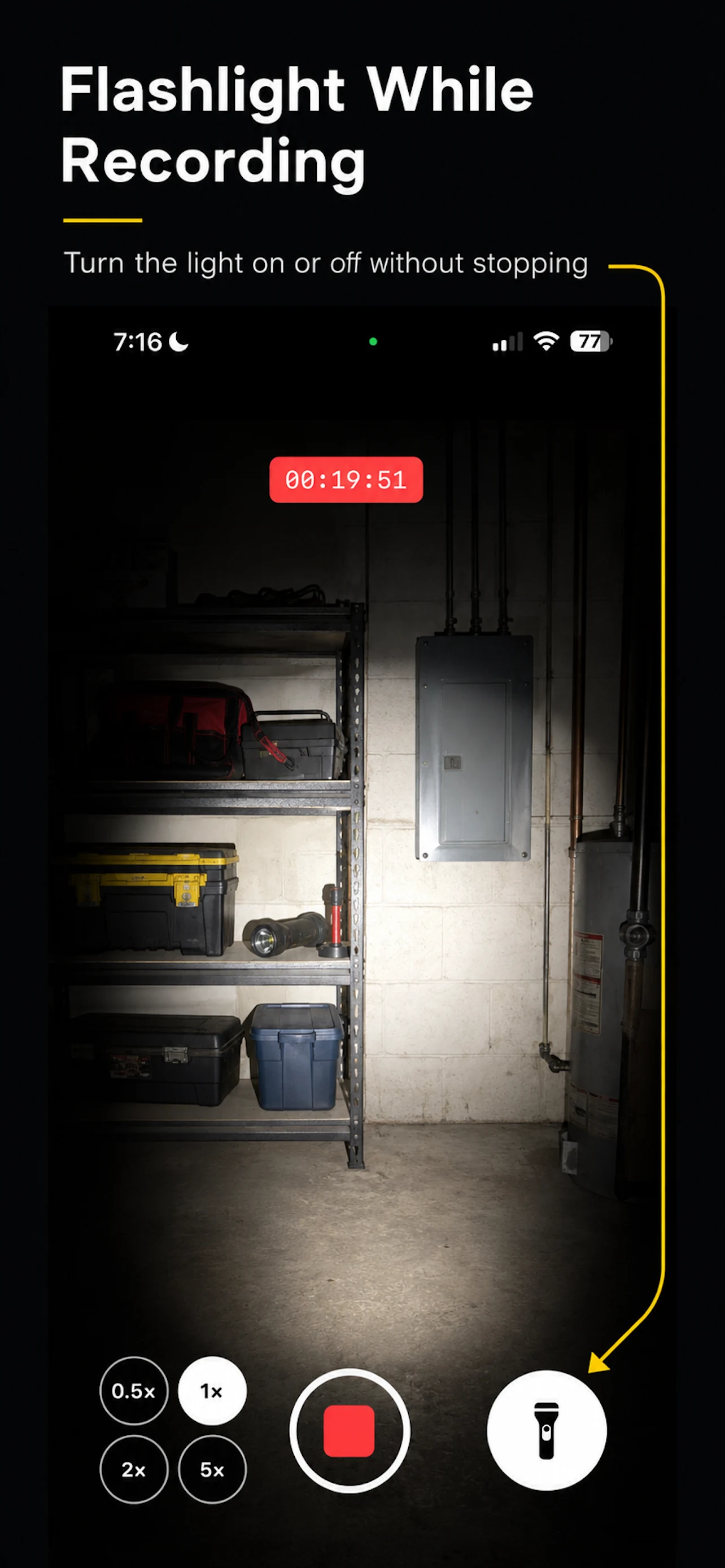
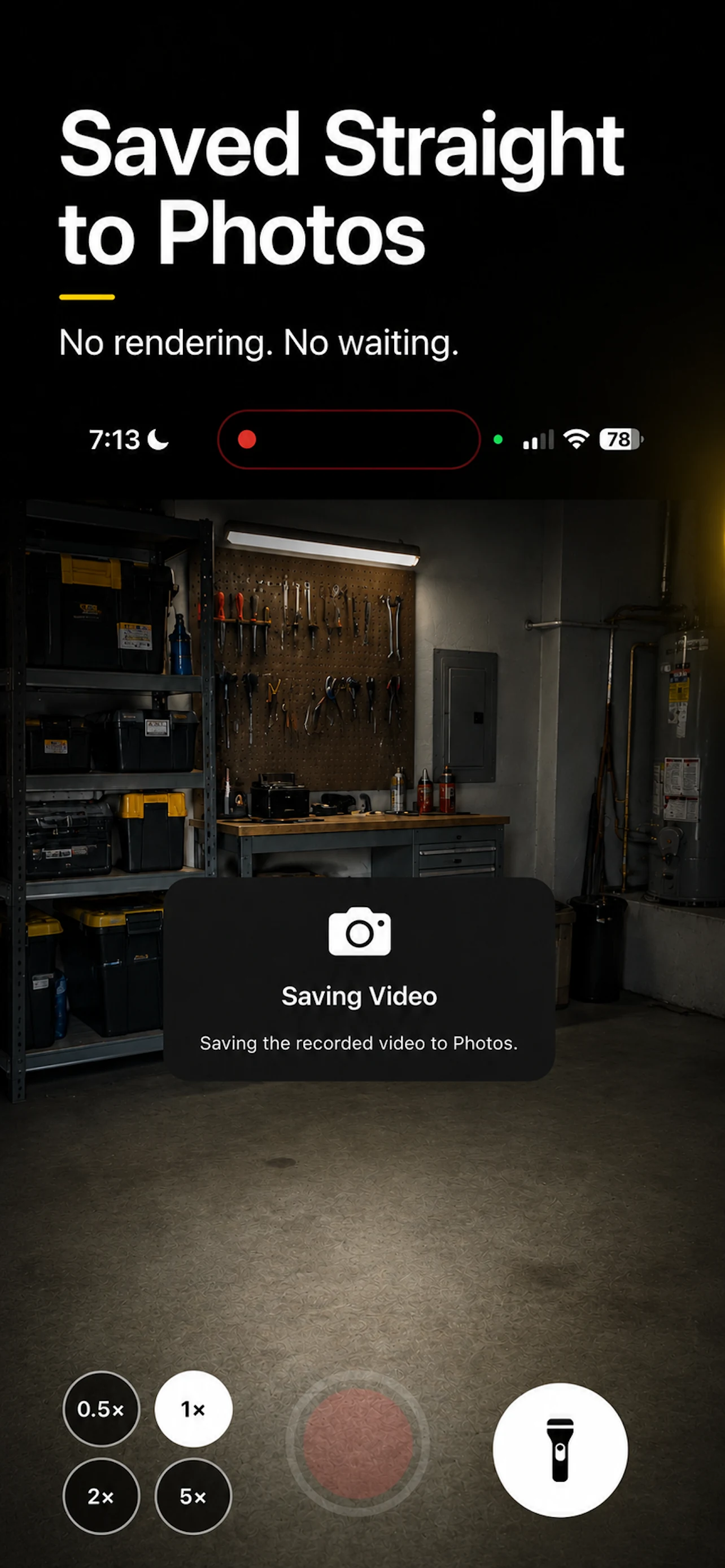
Start recording, then turn the flashlight on or off at any time without stopping. The finished video saves directly to Photos — no editing, rendering, or waiting step.
Control the flashlight while recording.
The flashlight control stays on the main camera screen, so you can add or remove light with one tap without interrupting the video.
Save the finished video directly to Photos.
Record once and save directly to your Photos library. There is no separate rendering or processing workflow to wait through.
A focused camera, not another editing app.
Use tap-to-focus, microphone audio, and rear-camera lens selection on supported iPhones. The flashlight turns off automatically when recording ends.
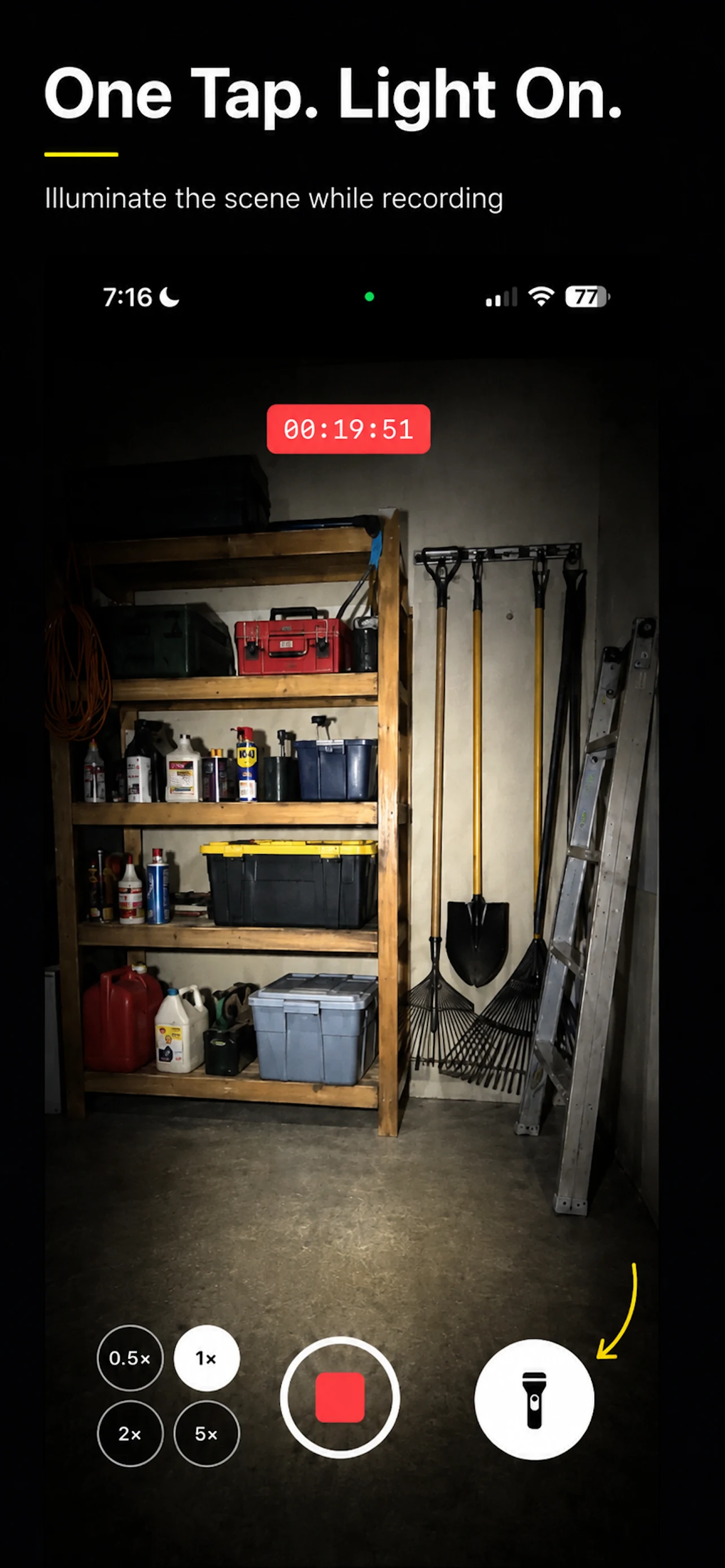
One tap, from the camera screen
Light on. Keep filming.
Showing screenshots 1 through 3 of 4
Useful where ordinary camera apps get in the way
For the places that are hard to see and harder to film.
Garages and workshops
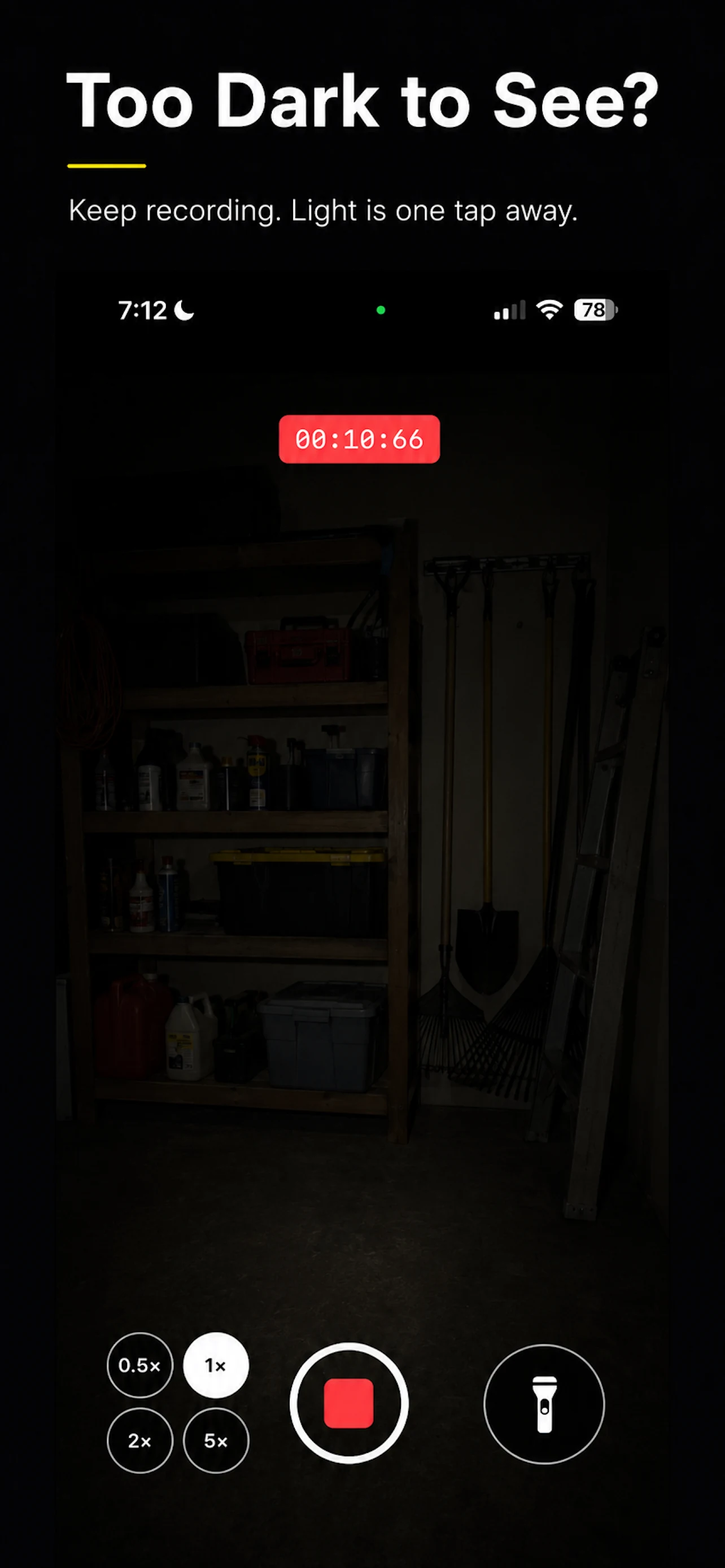
Record an inspection, repair, or project without stopping when you need a little more light.
Behind equipment and under furniture
Light tight, awkward spaces while keeping the camera rolling for a clear record.
Outdoor work at night
Capture what you see when daylight is gone and a normal camera preview is not enough.
Home inspections and quick documentation
Make a simple video record of the exact issue, with light available at the moment you need it.
Actively maintained
Updates that keep the app useful.
Each release is a small, practical improvement to the app you use.
Flashlight Video Camera 1.2
Smoother lens changes, fewer accidental focus shifts, and support for iOS 18.6 and later.
View update historyLearn the app
Guides for recording in low light.
Questions, answered
A simple camera tool for darker places.
Can I turn the flashlight on while I am already recording?
Yes. The flashlight control is available on the main camera screen while you record, so you can turn it on or off without stopping the video.
What is included in the free version?
The free version includes five successfully saved videos where the flashlight was used. Regular video recording without the flashlight is unlimited.
What does Lifetime Unlock include?
A one-time $3.99 Lifetime Unlock provides unlimited flashlight-assisted video recording. There is no subscription.
Where are my videos stored?
Finished videos save directly to your Photos library. Flashlight Video Camera does not upload, access, or store your videos on its servers.
Made by Actually Useful Apps
Built around real-life problems.
Actually Useful Apps is a small collection of practical tools built by Ilia Kolobov, an AI-assisted app maker and handyman based in the Bay Area. Each app starts with a real workflow and is shaped through hands-on testing.
Private by design
Your recordings stay on your device.
Flashlight Video Camera does not require an account and does not use ads, third-party analytics, or tracking. Videos are saved directly to your Photos library and are not uploaded to our servers.
Read the Privacy PolicyWhen it gets dark, keep recording.
A focused camera with the light control where you need it.
Download Flashlight Video Camera